Looping regions
Regions can be looped (played back repeatedly).
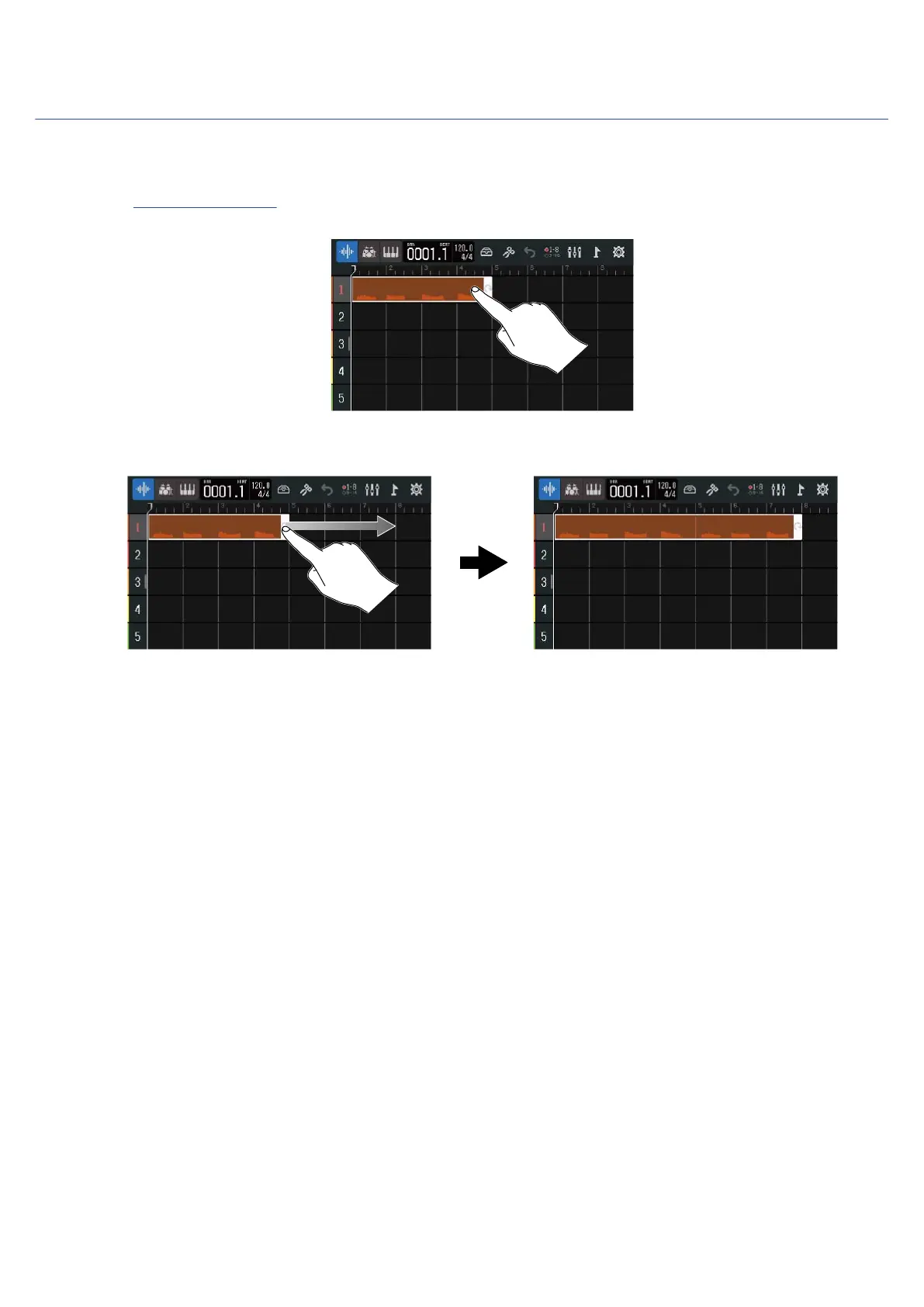
1. On the Track View Screen, tap the region you want to loop.
This highlights the selected region.
2. Drag the right edge of the region.
Dragging right will increase the number of loops, while dragging left will decrease the number.
80



 To Next Page