Creating empty synth track regions (synth track only)
Regions can be created for adding MIDI notes manually. (→ Editing notes (synth regions))
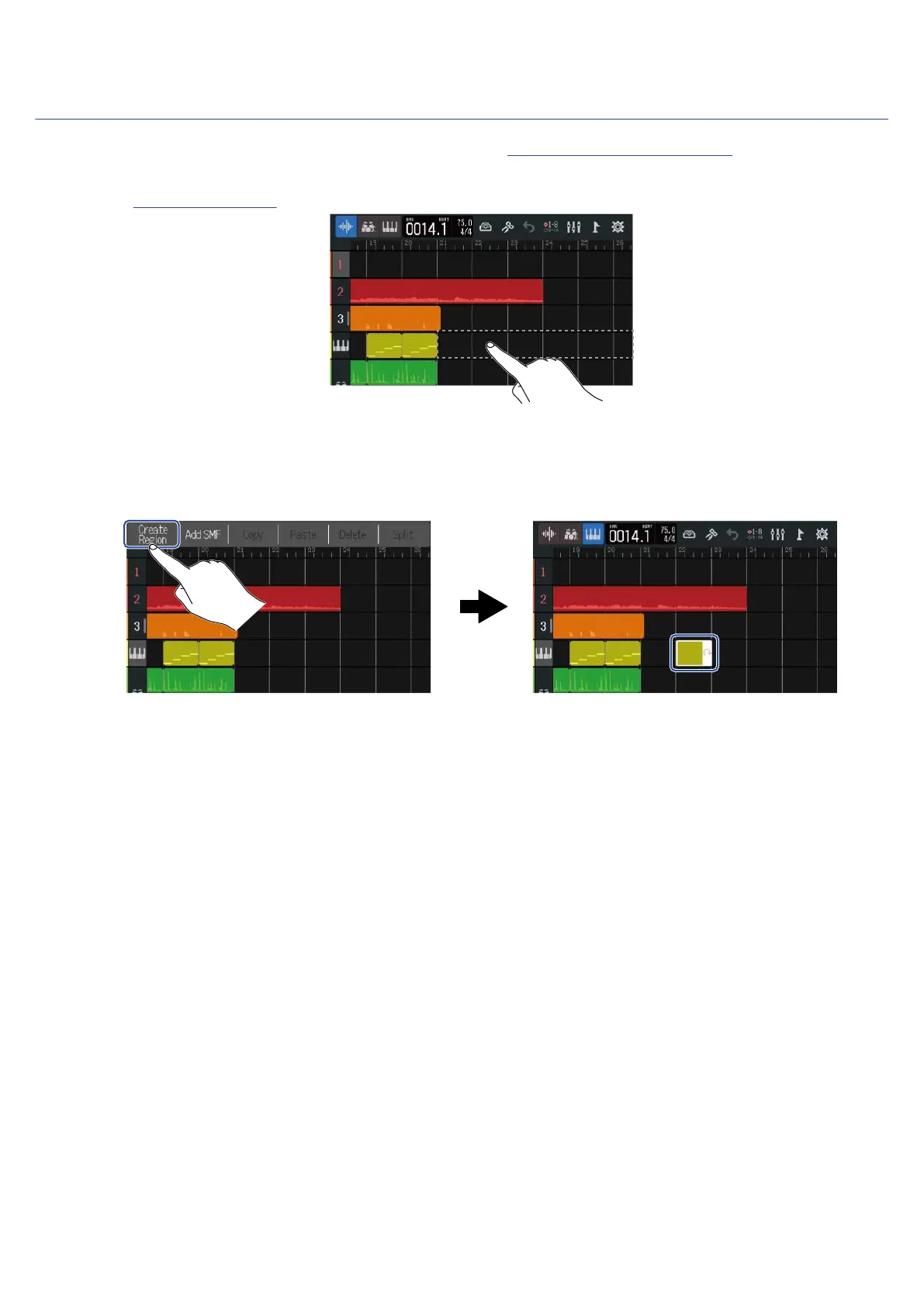
1. On the Track View Screen, double-tap an area with no region on the synth track.
The Option Menu will open at the top of the screen.
2. Tap “Create Region”.
An empty synthesizer region that is one bar long will be created at the double-tapped position.
81



 To Next Page