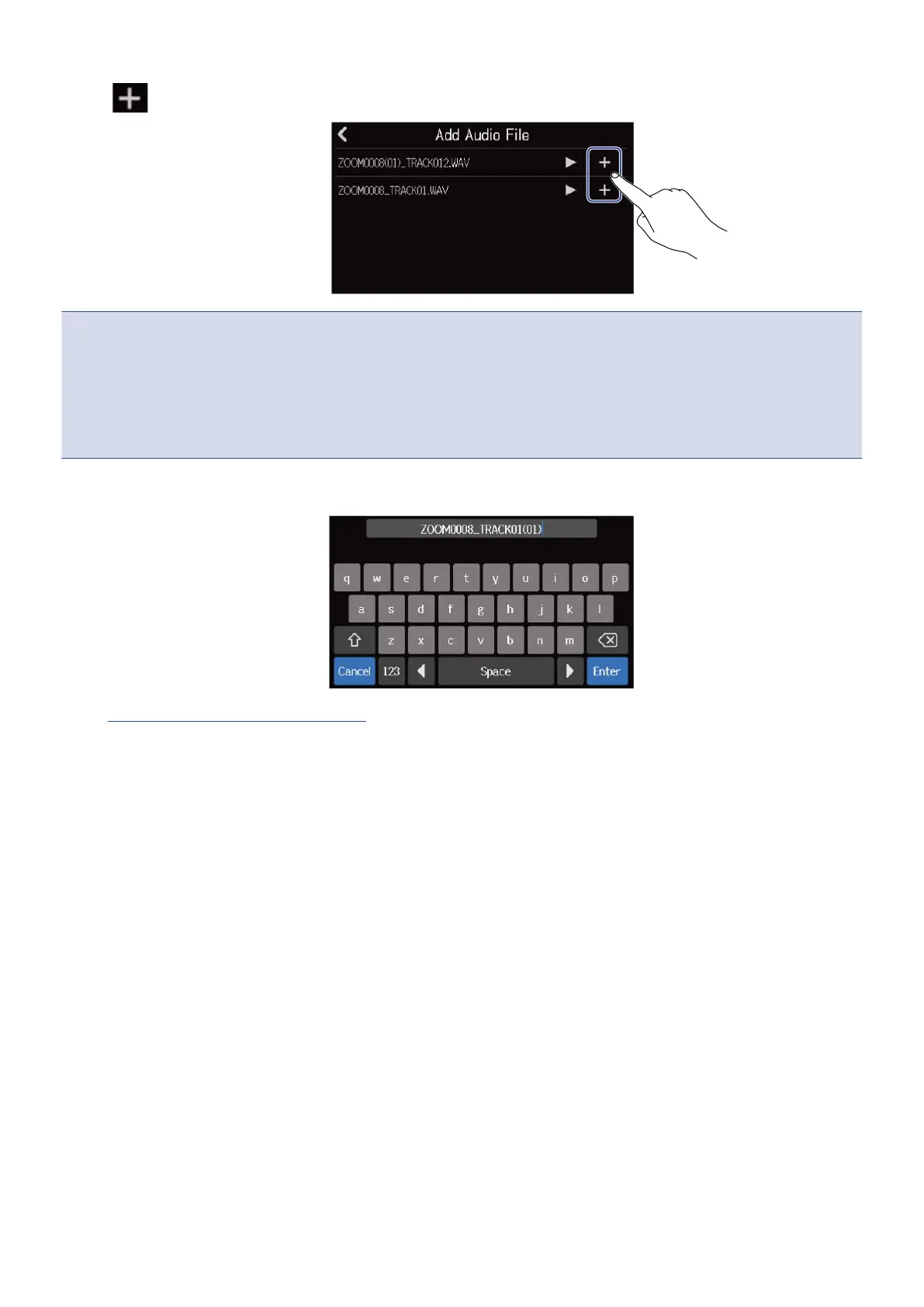
7. Tap for the file you want to load.
NOTE:
• An error message will appear if it cannot be loaded. Select a different file.
• Loading is not possible if the maximum number of regions in the project would be exceeded.
- Total number of audio and rhythm regions: 50
- Synth regions: 80
8. Input the file name of the loaded WAV file.
See Character Input Screen overview for how to input characters.
9. When “Done” appears, tap “Close”.
This completes loading the track and opens the Track View Screen.
84



 To Next Page