Loading SMF files as regions
SMF files on SD cards and USB flash drives can be loaded into projects.
NOTE:
Files with the following formats can be loaded.
• SMF: Format 0/Format 1
1. Copy the files that you want to load onto the SD card or USB flash drive in advance.
• When loading from an SD card: Put the files in the “AUDIO” folder on the SD card. (→ SD card folder
and file structure)
• When loading from a USB flash drive: Put the files in the “ZOOM_R20” > “AUDIO” folder on the USB
flash drive. (→ USB flash drive folder and file structure)
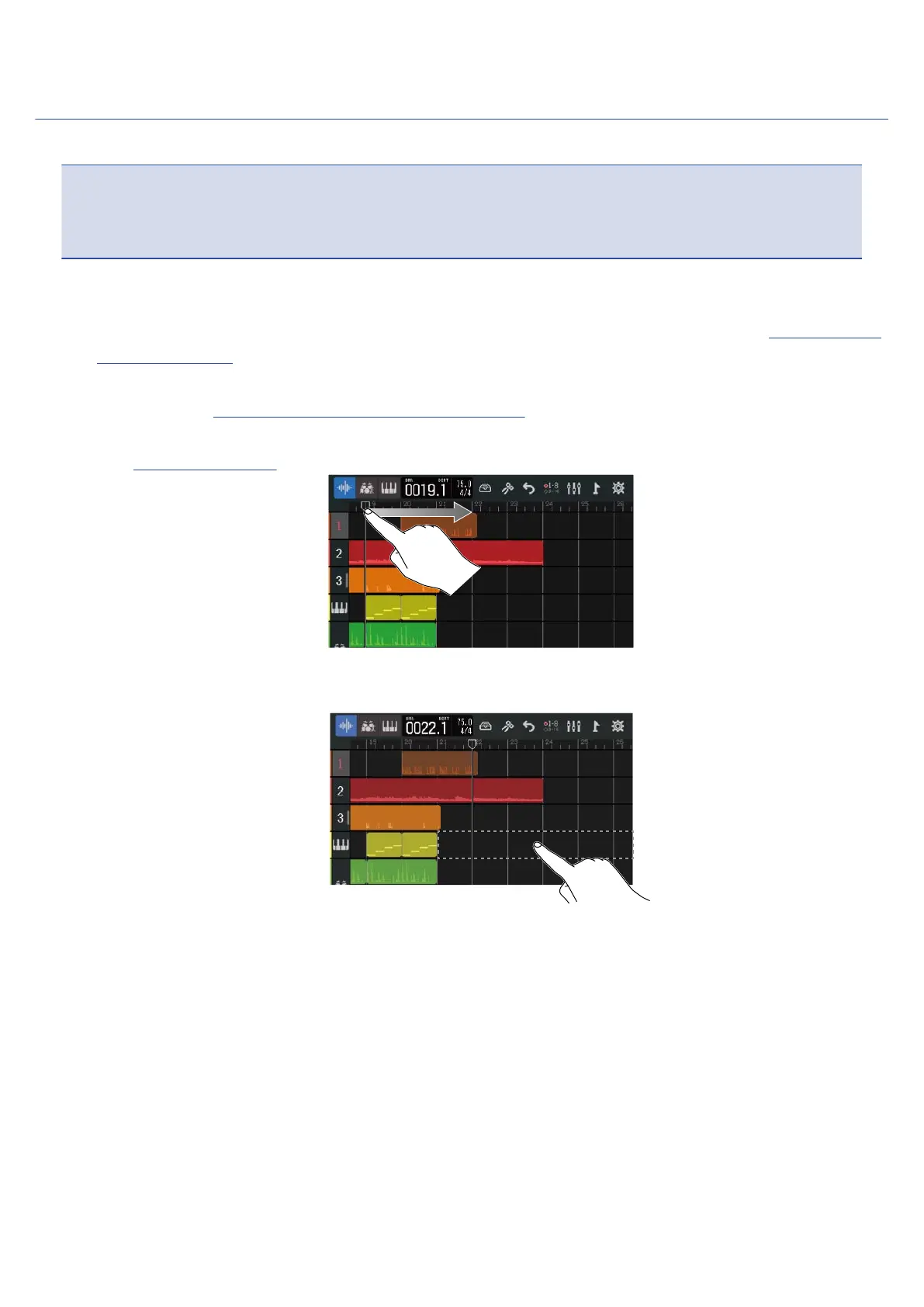
2. On the Track View Screen, move the playback header to the position where you want to load the file.
3. Double-tap part of a synth track that has no regions.
The Option Menu will open at the top of the screen.
85



 To Next Page