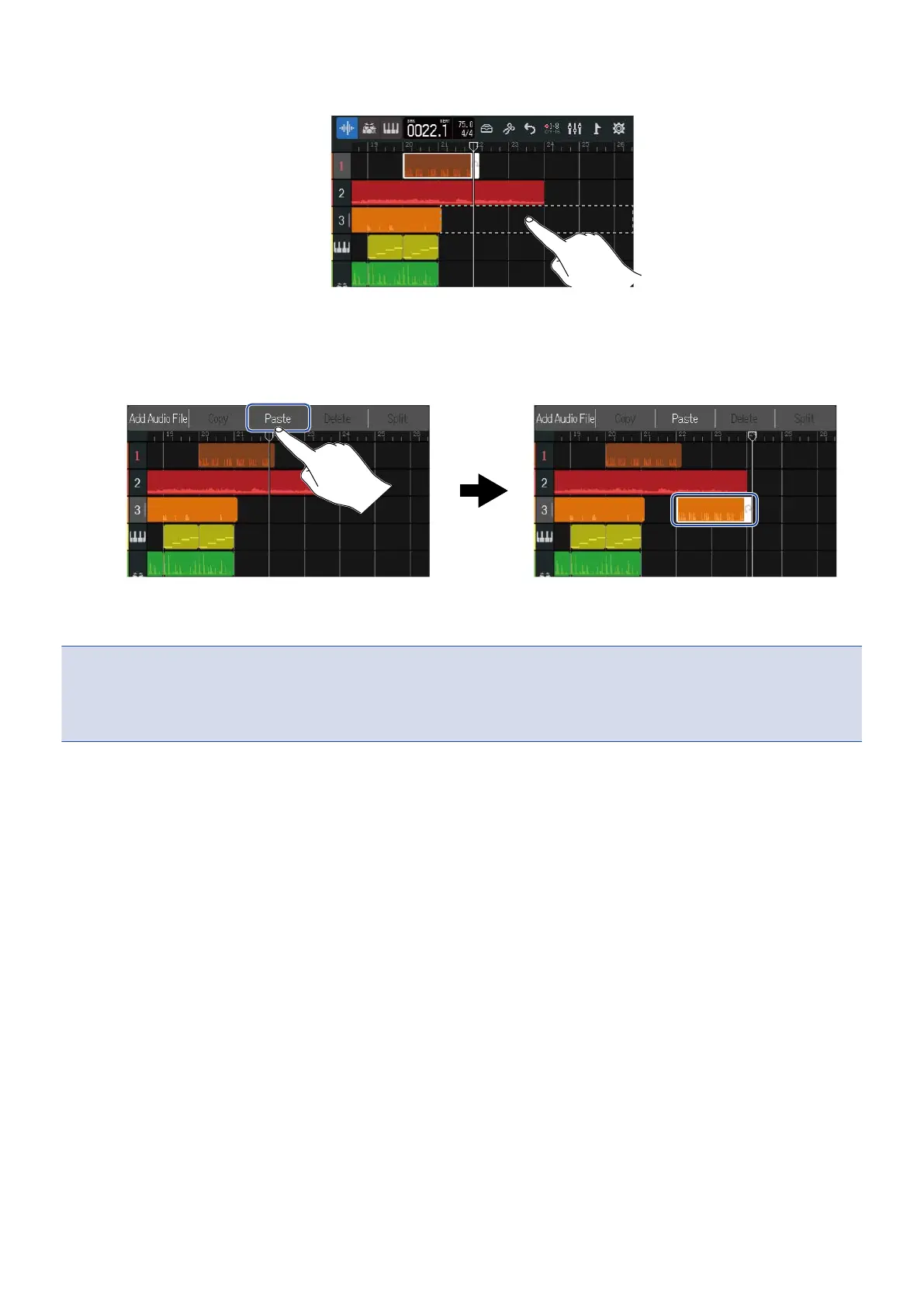
4. Double-tap the track where you want to paste in an area that has no regions.
The Option Menu will open at the top of the screen.
5. Tap “Paste”.
This pastes the copied region at the position of the playback header.
The playback header will move to the end of the pasted region.
Tap anywhere else to close the Option Menu.
NOTE:
• Pasting to different tracks is possible.
• Pasting to different types of tracks is not possible.
89



 To Next Page