Copying and pasting regions
Regions can be copied and pasted to other locations.
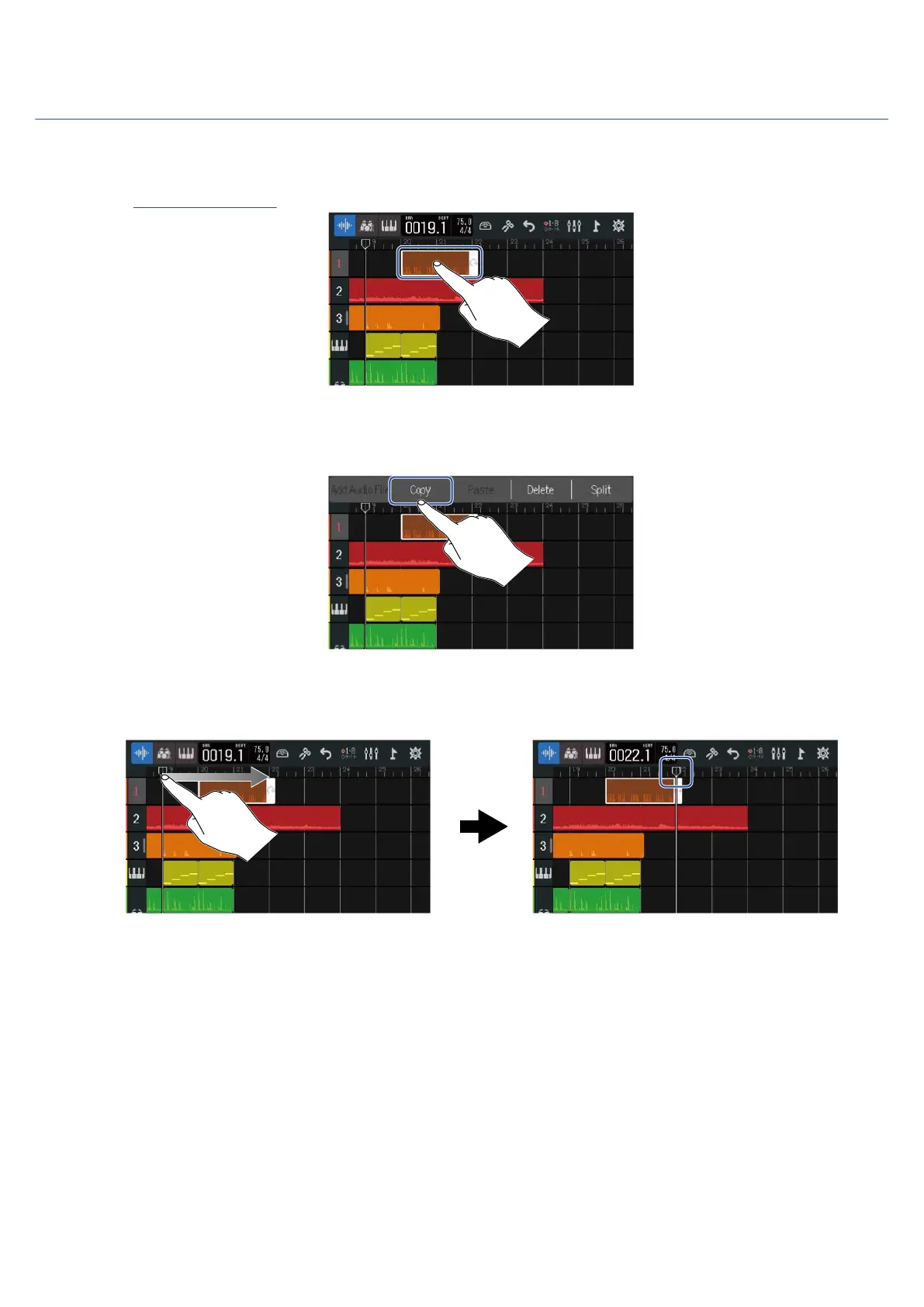
1. On the Track View Screen, double-tap the region that you want to copy and paste.
This highlights that region and opens the Option Menu at the top of the screen.
2. Tap “Copy”.
The selected region will be copied.
3. Move the playback header to the position where you want to paste.
88



 To Next Page