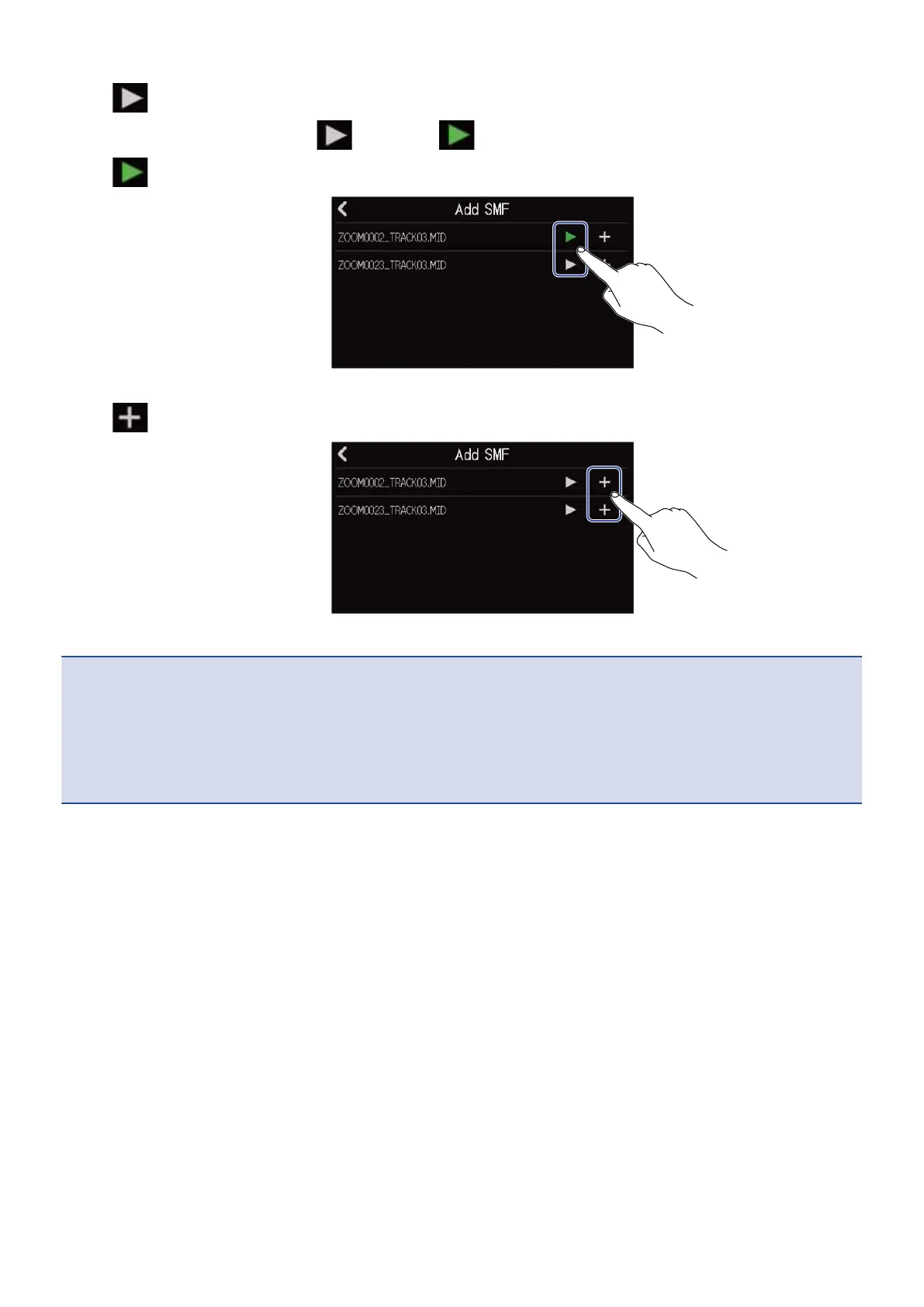
7. Tap to preview the file you want to load.
This will play the selected file. will light ( ).
Tap to stop playback.
8. Tap for the file you want to load.
This completes loading the track and opens the Track View Screen.
NOTE:
• An error message will appear if it cannot be loaded. Select a different file.
• Loading is not possible if the maximum number of regions in the project would be exceeded.
- Total number of audio and rhythm regions: 50
- Synth regions: 80
87



 To Next Page