RT100RoughTerrainCrane 06-23
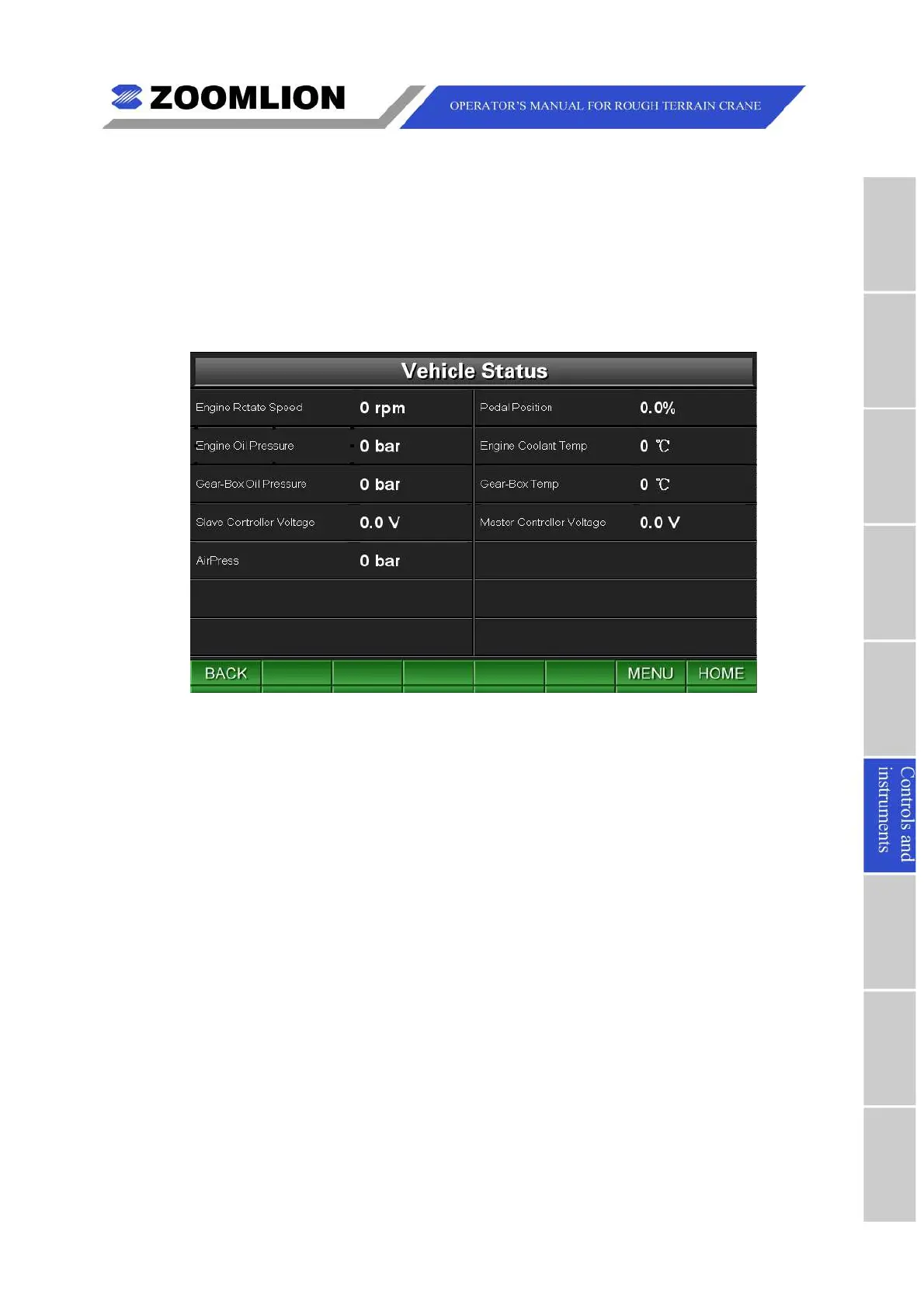
6.3.1VEHICLESTATUS
UnderTravelModeScreenorWorkModeScreen,pressthefunctionkey “STATUS” to
entertheVehicleStatusScreen.Youcanconsultthebasicinformationaboutthevehicle.
Pressthekey “BACK” toreturntheTravelModeScreenorWorkModeScreen.Pressthe
key “MENU"toentertheMainMenuScreen.Pressthekey “HOME” toreturntotheTravel
ModeScreen.
Figure06 – 15 VehicleStatus



 To Next Page