06-24 RT100RoughTerrainCrane
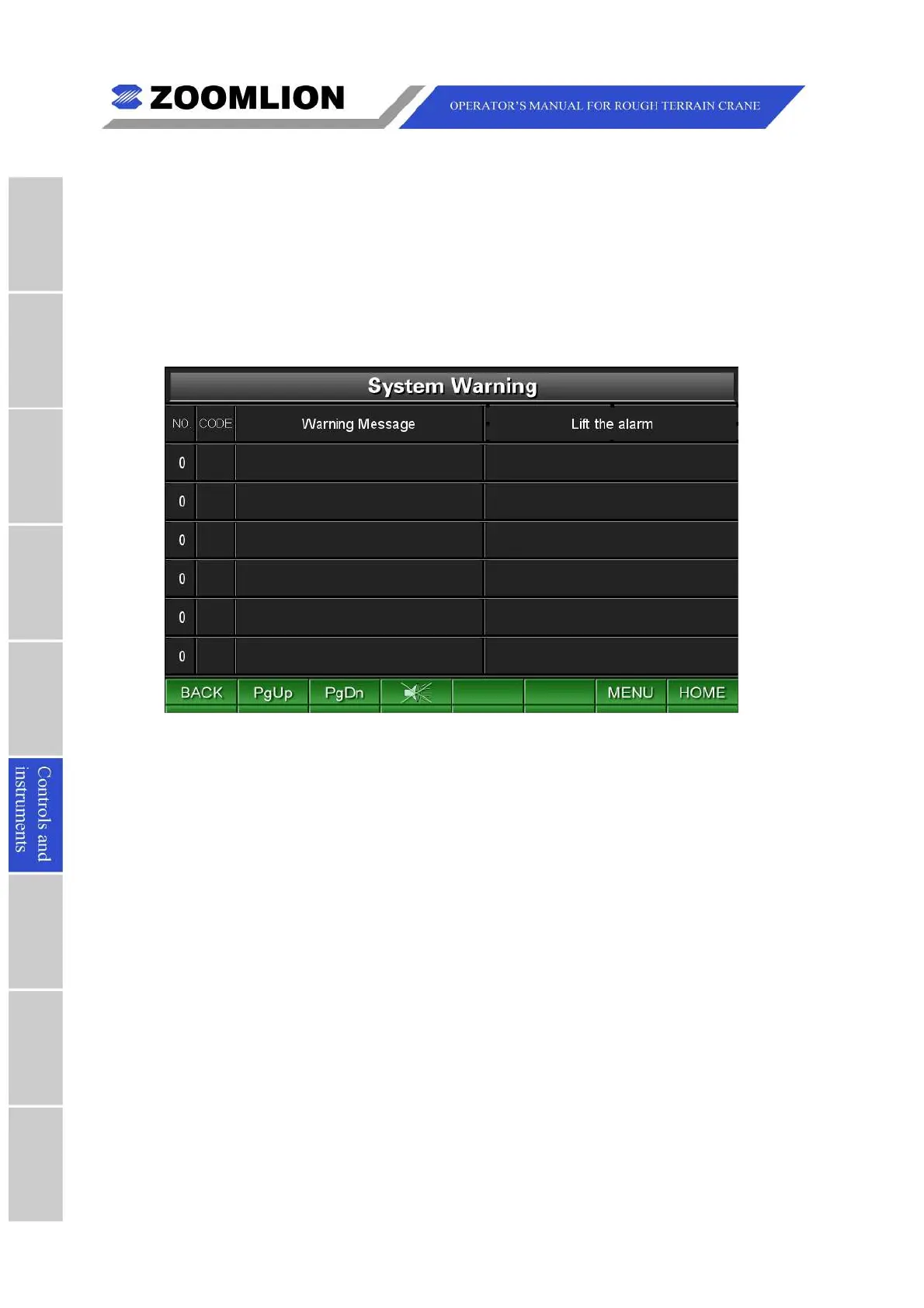
6.3.2SYSTEMWARNING
UnderTravelModeScreenorWorkModeScreen,pressthefunctionkey “WARN” toenter
theSystemWarningScreen.Youcanconsultthecurrentwarninginformationaboutthe
vehicle.Remedythemalfunctionsimmediatelyaccordingthedisplayedinformation.
Pressthekey “BACK” toreturntheTravelModeScreenorWorkModeScreen.Pressthe
key “MENU"toentertheMainMenuScreen.Pressthekey “HOME” toreturntotheTravel
ModeScreen.
Figure06 – 16 SystemWarning
6.3.3MAINMENU
UnderTravelModeScreenorWorkModeScreen,pressthefunctionkey “MENU” toenter
theMainMenuScreen.Presstherelevantfunctionkeystomovethecursorleftandrightto
select the items as follows: Monitoring, Real-time warning, Parameter settings,
Maintenance, 简体中文(Chinese),InformationandPasswordetc.Andthenpressthekey
“ENTER” toentertherequiredscreen.



 To Next Page