MF985U User Manual
4G Mobile Hotspot
Configuration
Accessing the Configuration Page
Make sure the connection between your device and the client is correct.
Launch the Internet browser and enter
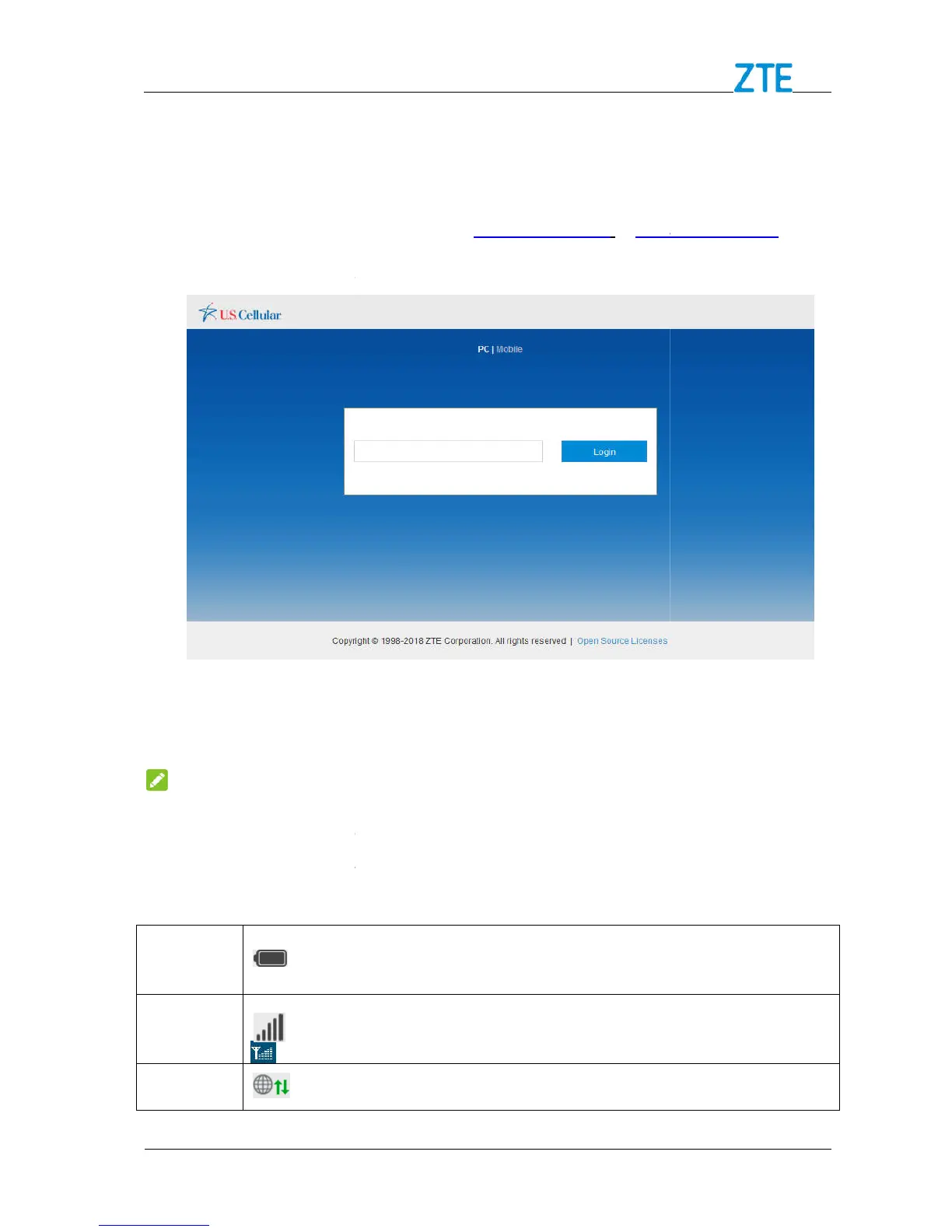
The login page appears as follows. The following figure is only for your reference.
2. Click Login to proceed.
The password is the same as the default Main Wi
The status bar at the top of the
: Shows the battery level.
Confidential and Proprietary Information of ZTE CORPORATION
Accessing the Configuration Page
Make sure the connection between your device and the client is correct.
Launch the Internet browser and enter
http://uscc.hotspot
The login page appears as follows. The following figure is only for your reference.
4G Mobile Hotspot
onfiguration page, input the password
The password is the same as the default Main Wi
The status bar at the top of the 4G Mobile Hotspot configuration page
on the right side. Below are some of the icons you may see
: Shows the battery level.
Confidential and Proprietary Information of ZTE CORPORATION
Make sure the connection between your device and the client is correct.
The login page appears as follows. The following figure is only for your reference.
onfiguration page, input the password
4G Mobile Hotspot configuration page
Below are some of the icons you may see



 To Next Page