Confidential and Proprietary Information of ZTE CORPORATION 13
3. Click Remove to delete the device from the black list and then the device will be able
to access the network again.
Network Settings
Data Settings
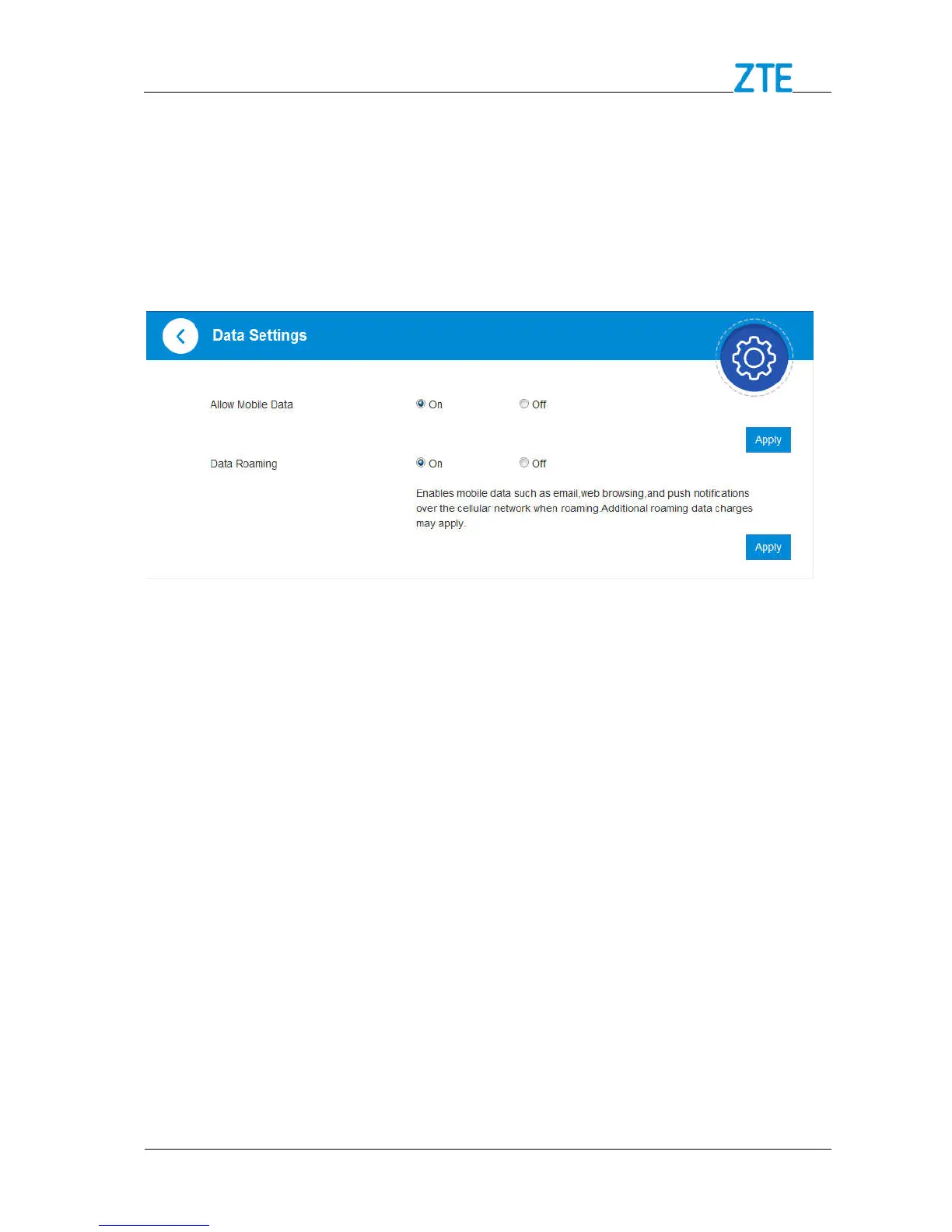
Click Settings > Data Settings. The data settings are shown in the following figure.
To Enable / Disable Mobile Data
1. Select On / Off next to Allow Mobile Data in the figure above.
2. Click Apply.
To Enable / Disable Data Roaming
1. Ensure that the mobile data is available.
2. Select On / Off next to Data Roaming.
3. Click Apply



 To Next Page