MF985U User Manual
NOTE:
You can only use Wi-
Wi-Fi function.
Configuring Your PC
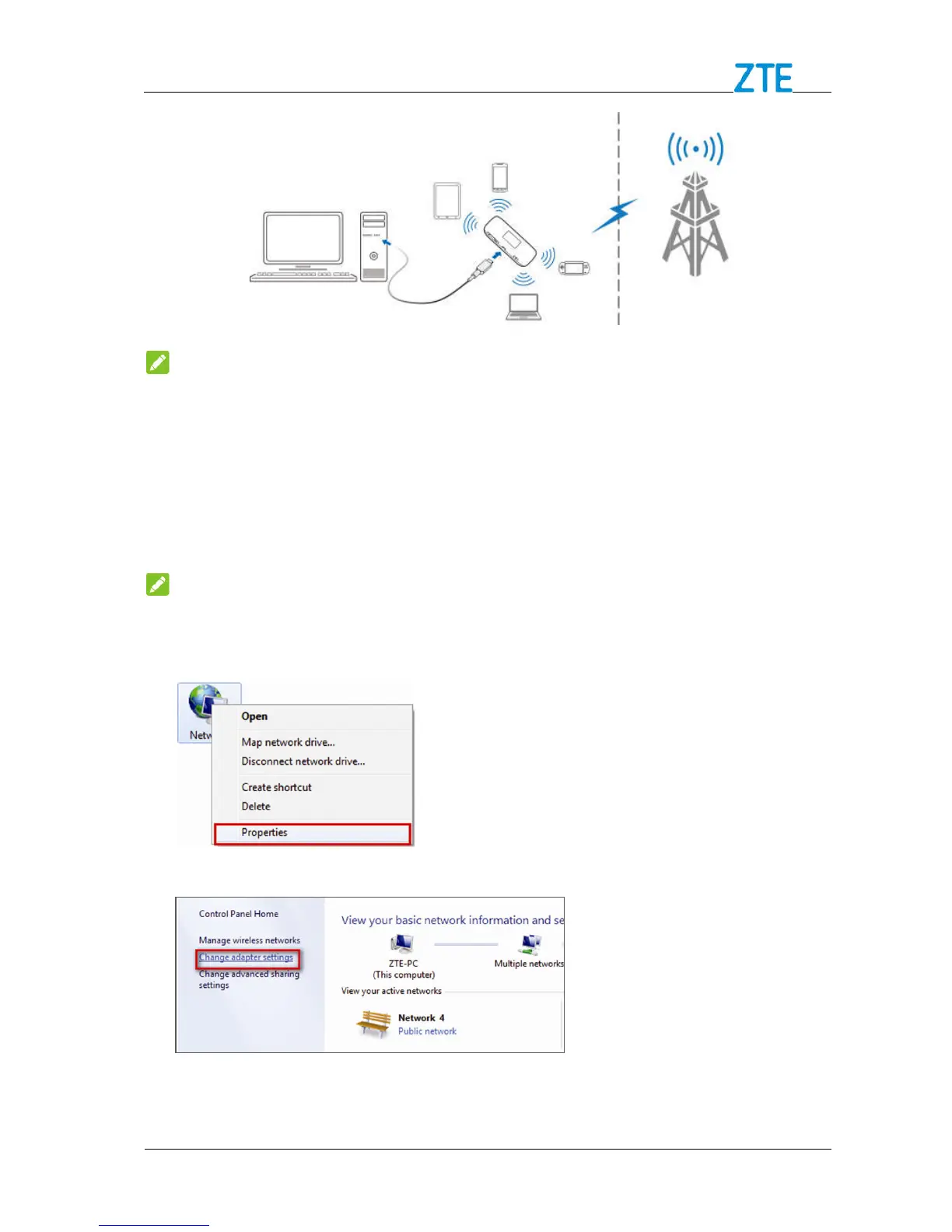
Follow the following steps and figures for Windows
Protocol for your connection.
Wireless Network Connection is used for Wi
Wireless Network Connection
Confidential and Proprietary Information of ZTE CORPORATION
make sure the client supports the
Follow the following steps and figures for Windows
to configure the Wireless Internet
Protocol for your connection.
Wireless Network Connection is used for Wi
Wireless Network Connection
Confidential and Proprietary Information of ZTE CORPORATION
make sure the client supports the
to configure the Wireless Internet
Properties



 To Next Page