Confidential and Proprietary Information of ZTE CORPORATION 33
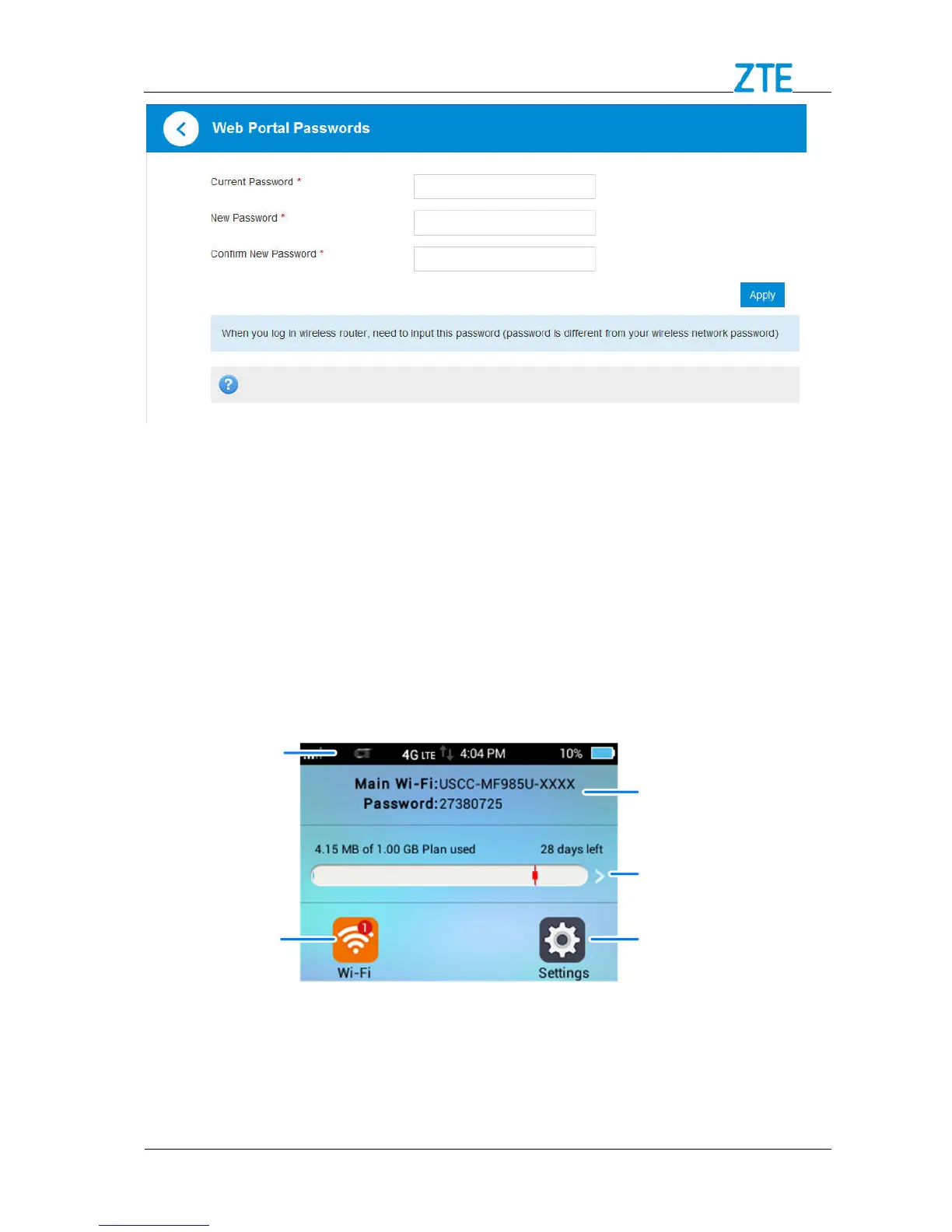
Current Password: Enter the current password.
New Password: Enter the new password.
Confirm New Password: Enter the new password again.
2. Click Apply to save your settings.
Touch Screen
You can configure basic Wi-Fi and display settings, view data usage details, customize
and configure your device from the touch screen.
Status Bar
Touch for usage
details
Wi-Fi Network
Name & Password



 To Next Page