Confidential and Proprietary Information of ZTE CORPORATION
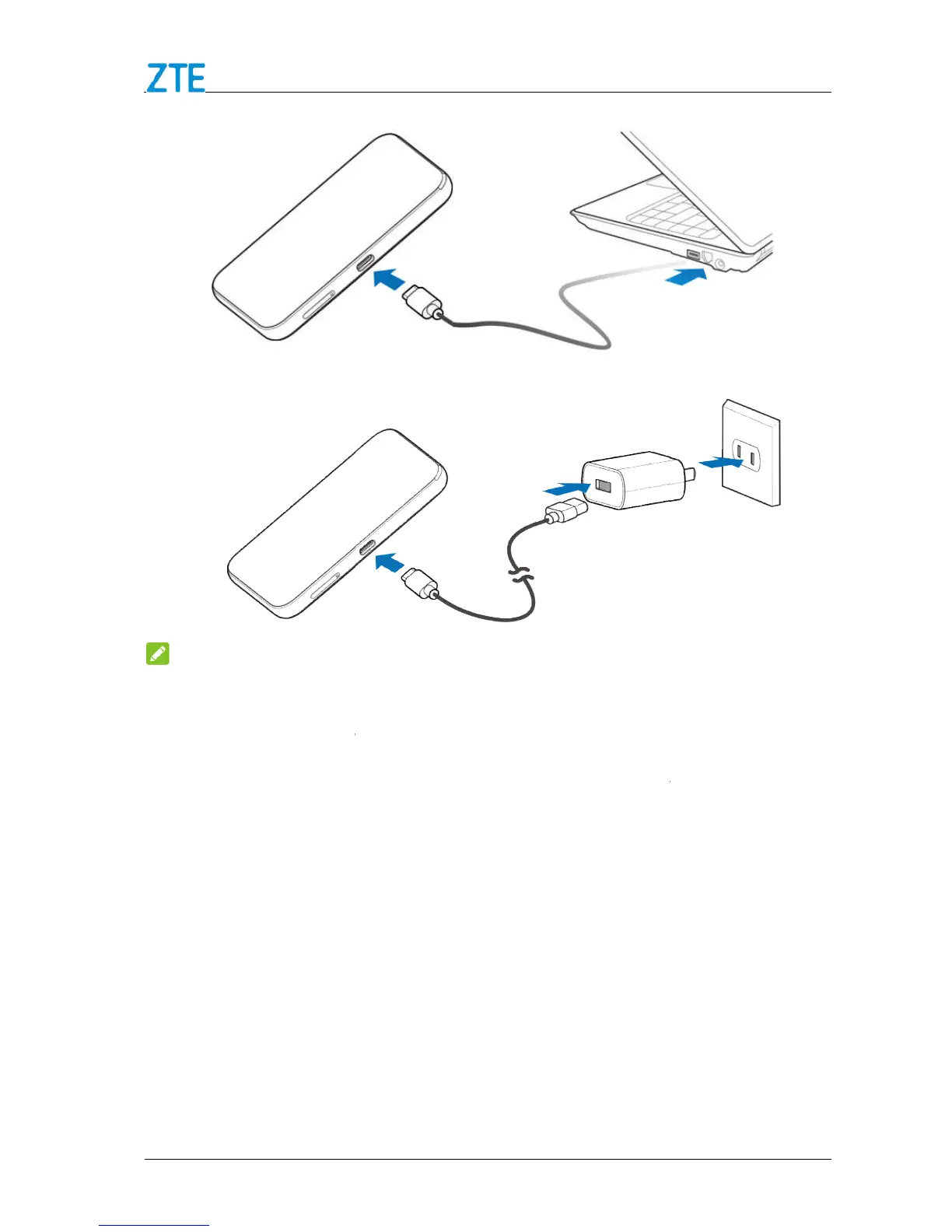
Do not use excessive force to insert the plug.
SIM card unnecessarily. Hold the card by the edges to prevent
nan
If you cannot get service, make sure that
You are in an area which has network coverage.
You are using the correct
Internet Access
Connection Scenario
The following picture is the application example. All of the client devices can surf on the
Internet at the same time.
Confidential and Proprietary Information of ZTE CORPORATION
cable to connect the wall outlet and your device.
Do not use excessive force to insert the plug.
SIM Card
SIM card unnecessarily. Hold the card by the edges to prevent
nan
SIM card away from electrical and magnetic appliances.
If you cannot get service, make sure that
You are in an area which has network coverage.
You are using the correct
The following picture is the application example. All of the client devices can surf on the
cable to connect the wall outlet and your device.
SIM card unnecessarily. Hold the card by the edges to prevent
SIM card away from electrical and magnetic appliances.
The following picture is the application example. All of the client devices can surf on the



 To Next Page