Getting Started
Introduction
MF985U is a 4G mobile hotspot device, working in LTE network. The client devices can
connect to it via Wi-Fi. The device supports data services, enabling you to communicate
anytime and anywhere.
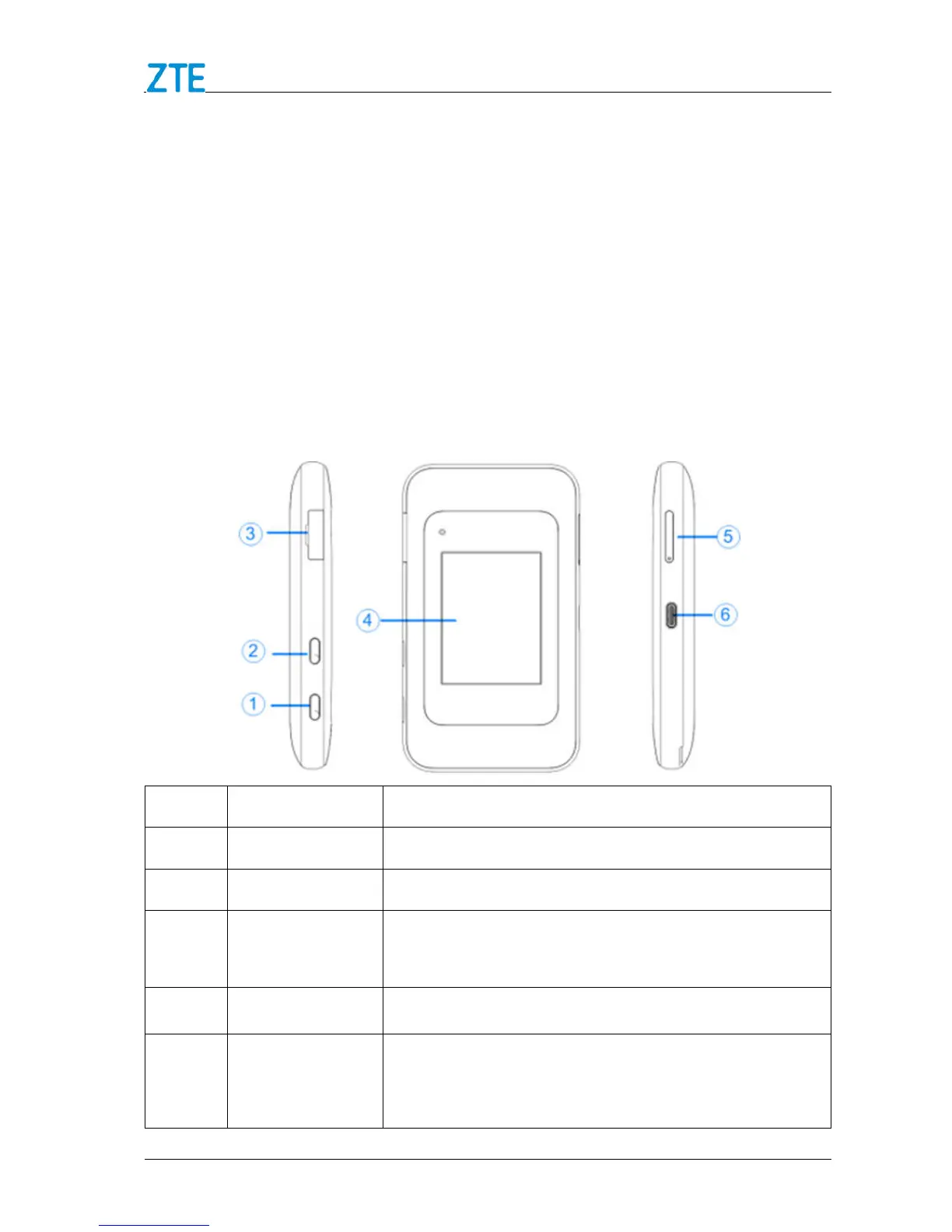
Outline and Parts
The following figures show the appearance of the device. It is only for your reference.
The actual device may be different.
Number Part Description
1 Power Key Turn the device on or off.
2 WPS Key
Enable WPS function.
3
Connector
Connect to the external antenna.
4 Touch Screen
Configure basic Wi-Fi and device settings, and view
data usage.
5 nano-SIM/
microSDXC Card
Tray
Install the nano-SIM card or microSDXC card.



 To Next Page