MF985U User Manual
6 Charging/
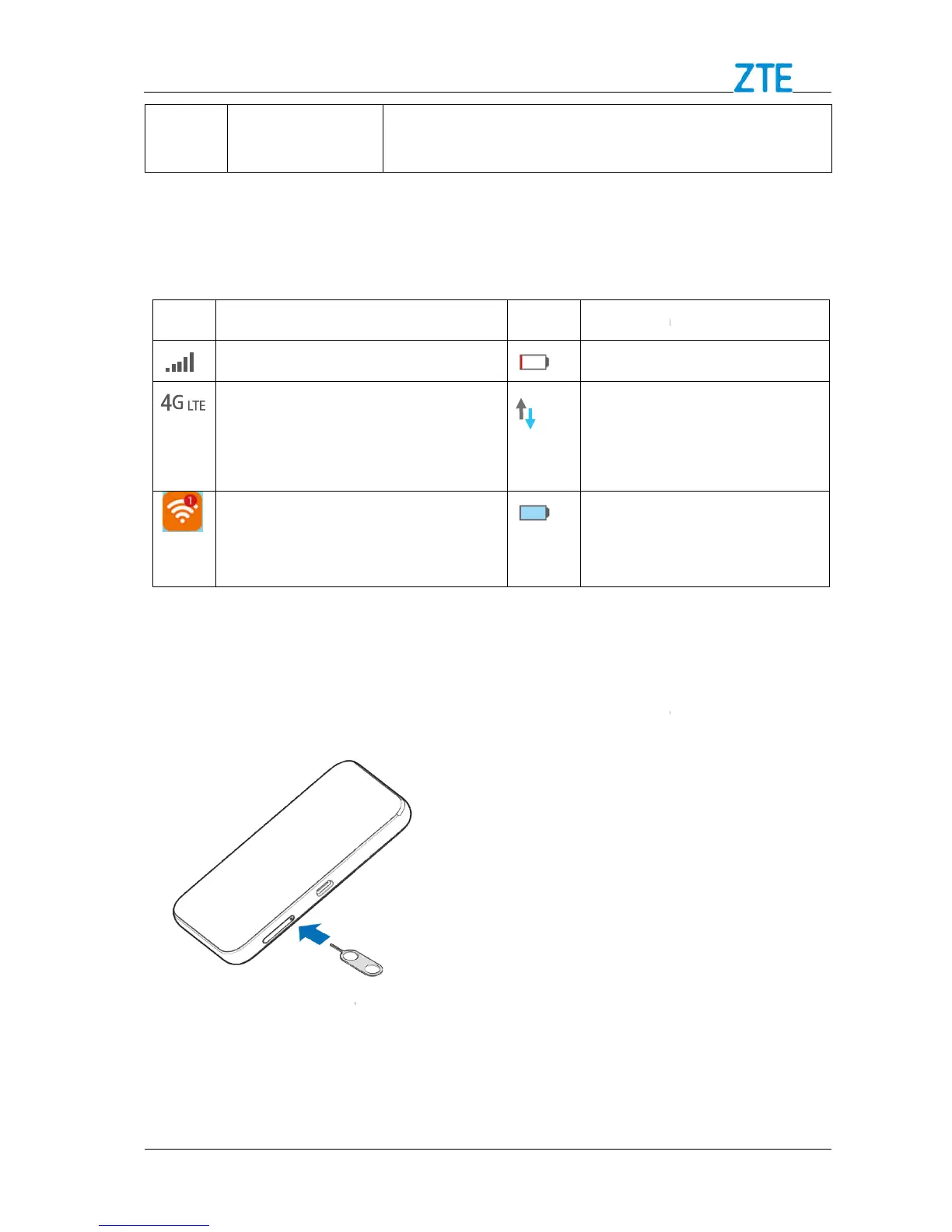
When the device is powered on, the following icons will appear on the
the corresponding indicators
4G LTE
appear on the LCD screen
according to the network being
View the number of the connected
the tip of the tray eject tool into the hole
side of the device.
2. Place the nano-
Confidential and Proprietary Information of ZTE CORPORATION
When the device is powered on, the following icons will appear on the
the corresponding indicators
listed in the table below:
Icon
appear on the LCD screen
according to the network being
The device has been
connected to the Internet.
View the number of the connected
the tip of the tray eject tool into the hole
SIM card on the tray and then carefully slide the tray back into place
Confidential and Proprietary Information of ZTE CORPORATION
When the device is powered on, the following icons will appear on the
The device has been
connected to the Internet.
on the tray and then carefully slide the tray back into place



 To Next Page