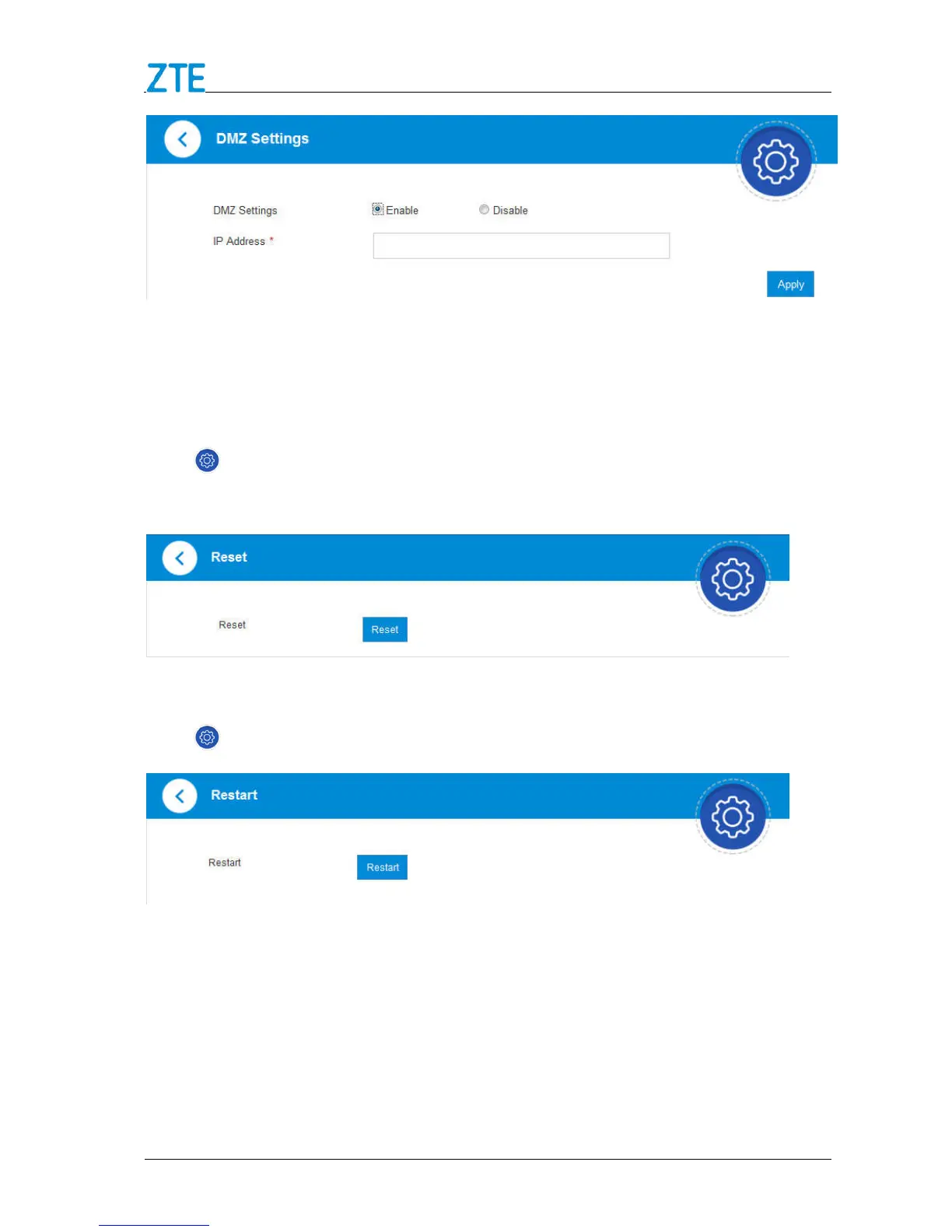
3. Enter the IP address of the device you want to communicate with the Internet
unfiltered, and then click Apply to save the settings.
Reset
Click > Others > Reset. Click Reset to set all the settings to their factory default
values, and then the device will restart automatically.
Restart
Click > Others > Restart. Click Restart to restart your device manually.
Web Portal Passwords
1. Click Web Portal Passwords to manage the login password of the 4G Mobile
Hotspot configuration page.



 To Next Page