Confidential and Proprietary Information of ZTE CORPORATION 31
Comment: Type a comment for the filter settings.
3. Click Apply.
4. If you want to remove the Port Mapping rule, select the rule and click Delete.
UPnP
Universal Plug Play (UPnP) is a set of networking protocols that allows network devices,
such as PC, printers, Internet gateways, Wi-Fi access points and mobile devices, to
seamlessly discover each other’s presence on the network and establish functional
network services for data sharing, communications, and entertainment.
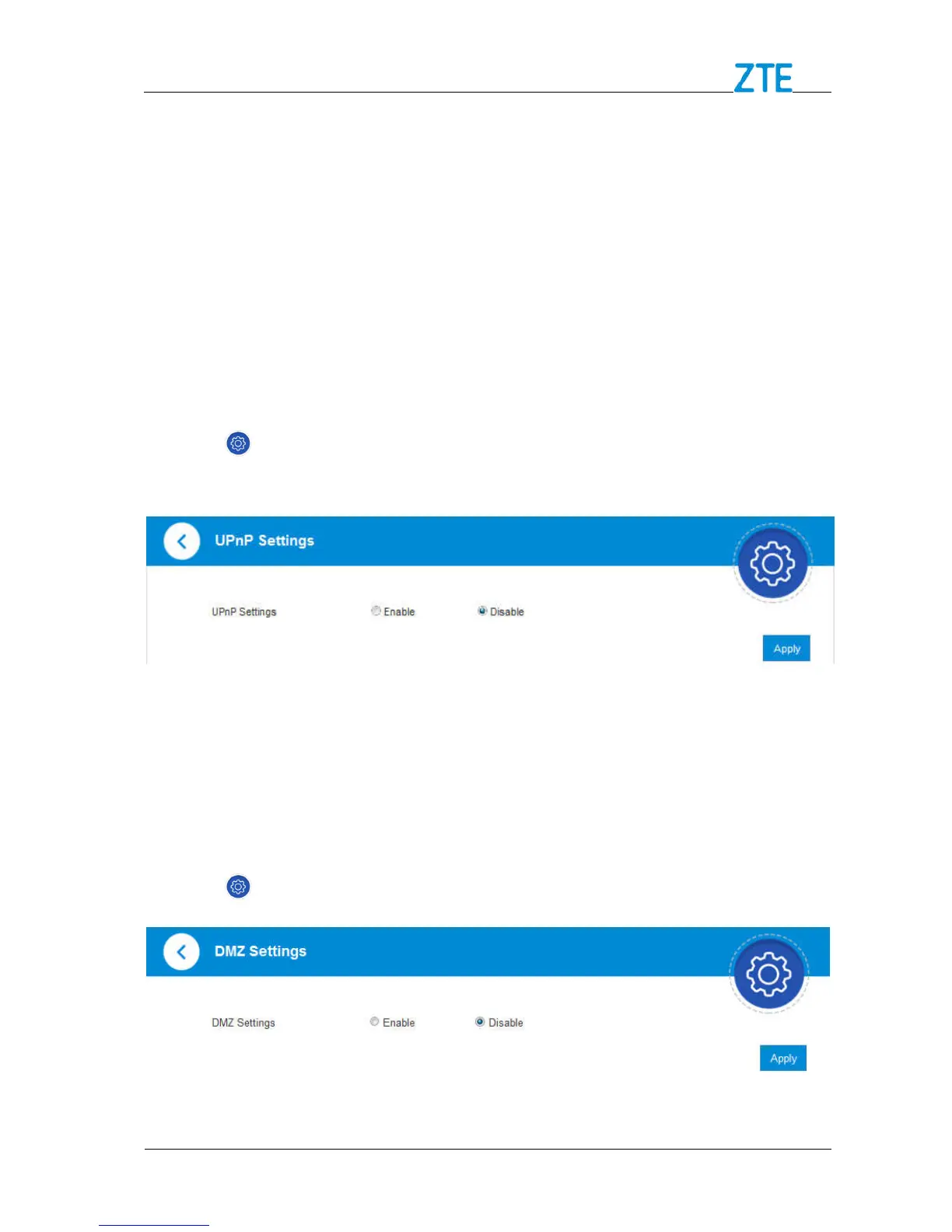
1. Click > Firewall > UPnP. The UPnP settings page is shown in the following
figure.
2. Check Enable and click Apply to enable the function.
DMZ
The DMZ, or De-Militarized Zone, is a selected internal IP address of a device that allows
full access and connectivity from outside traffic, through the firewall, to a specific internal
device without being filtered or blocked by your device.
1. Click > Firewall > DMZ and the following page will appear:
2. If you select Enable, the DMZ Settings will appear:



 To Next Page