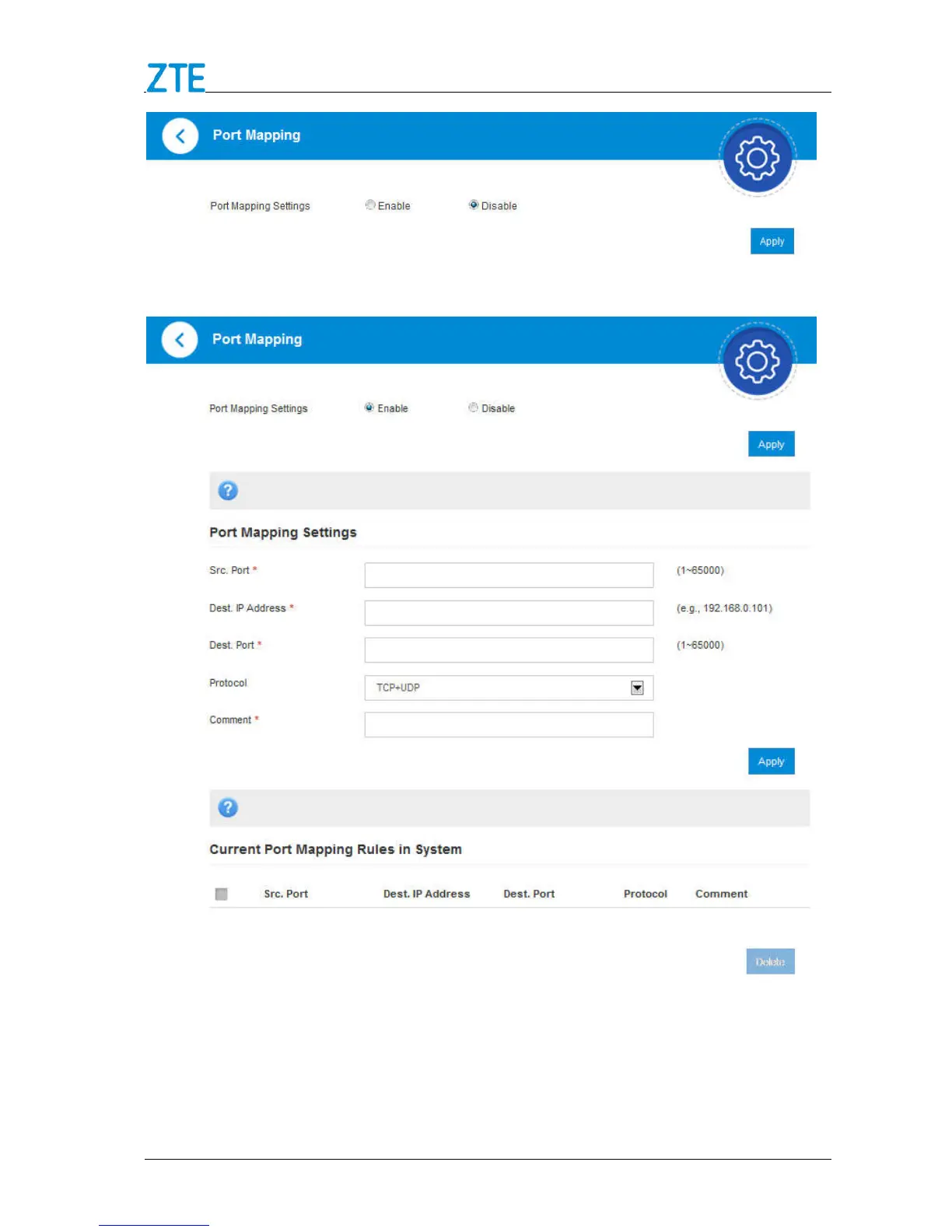
2. If you select Enable, and click Apply. The following figure will appear:
Src. Port: Set the source port that will be filtered.
Dest. IP Address: Set the destination IP address that will be filtered.
Dest. Port: Set the destination Port that will be filtered.
Protocol: Set which protocol will be used for filtering.



 To Next Page