Confidential and Proprietary Information of ZTE CORPORATION
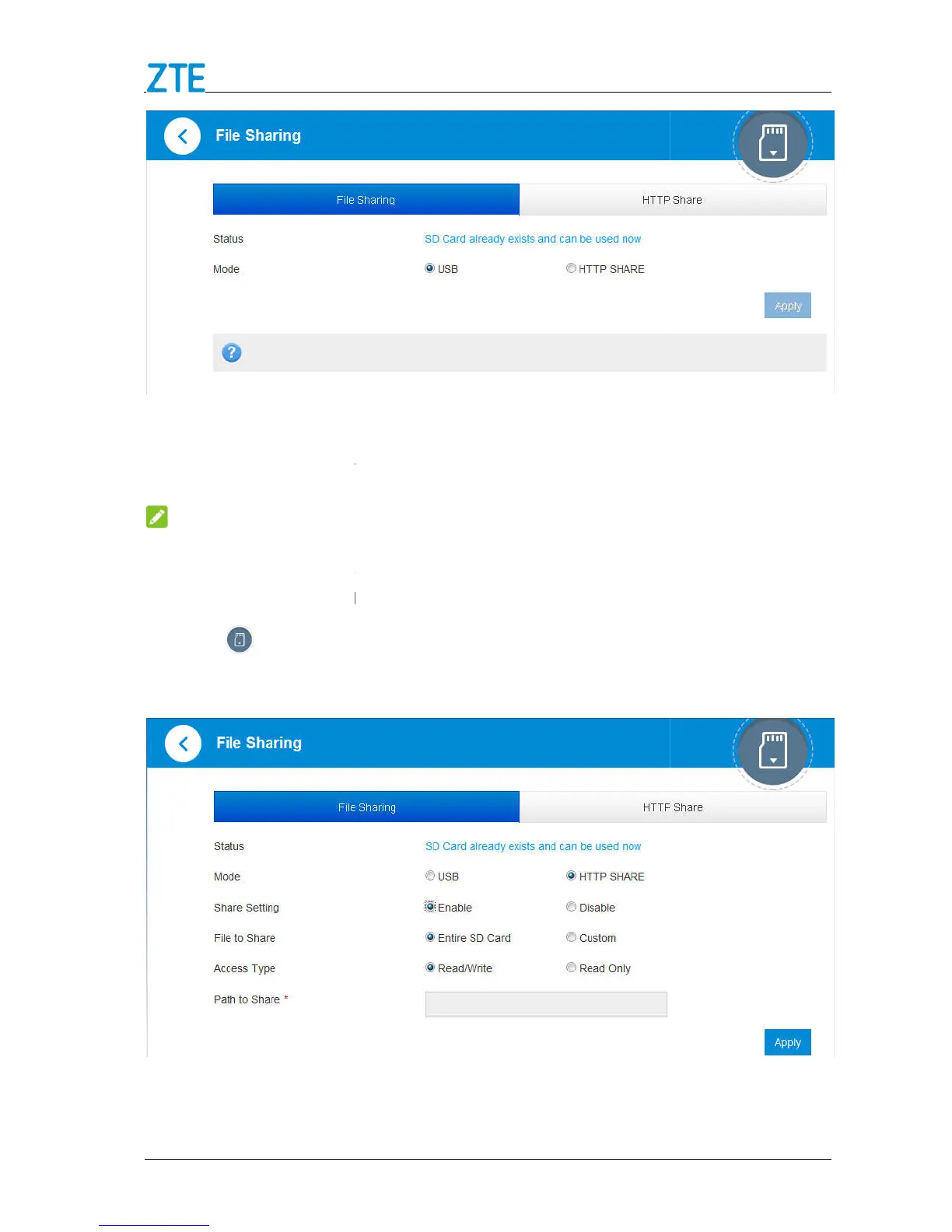
device to PC/Tablet via USB cable.
of your PC/Tablet to access all files in microSD
NOTE:
You can access microSDX
C card via USB cable only in USB mode. The web page of
on the 4G Mobile Hotspot configuration page.
Confidential and Proprietary Information of ZTE CORPORATION
device to PC/Tablet via USB cable.
of your PC/Tablet to access all files in microSD
C card via USB cable only in USB mode. The web page of
C card will be disabled.
on the 4G Mobile Hotspot configuration page.
, and Path to Share as you
of your PC/Tablet to access all files in microSD
C card via USB cable only in USB mode. The web page of



 To Next Page