◼ The sample positions are sufficient:
1) Click [QC] to enter QC interface;
2) Select the item to be tested in [Item List];
3) Select the control to be tested in [QC List];
4) Click [QC request];
5) Click [OK] once confirmed the sample information;
6) Enter [Request] interface to view the QC request test.
◼ The sample positions are insufficient:
1) Click [QC request] - [Request List];
2) Select the finished or unstarted samples;
3) Click [Delete] to spare a position for QC test;
4) Operation as “The sample positions are sufficient”.
Basic operations
◼ QC request
1) Select items to be test in the [Item List];
2) Select the controls to be tested in the [QC List];
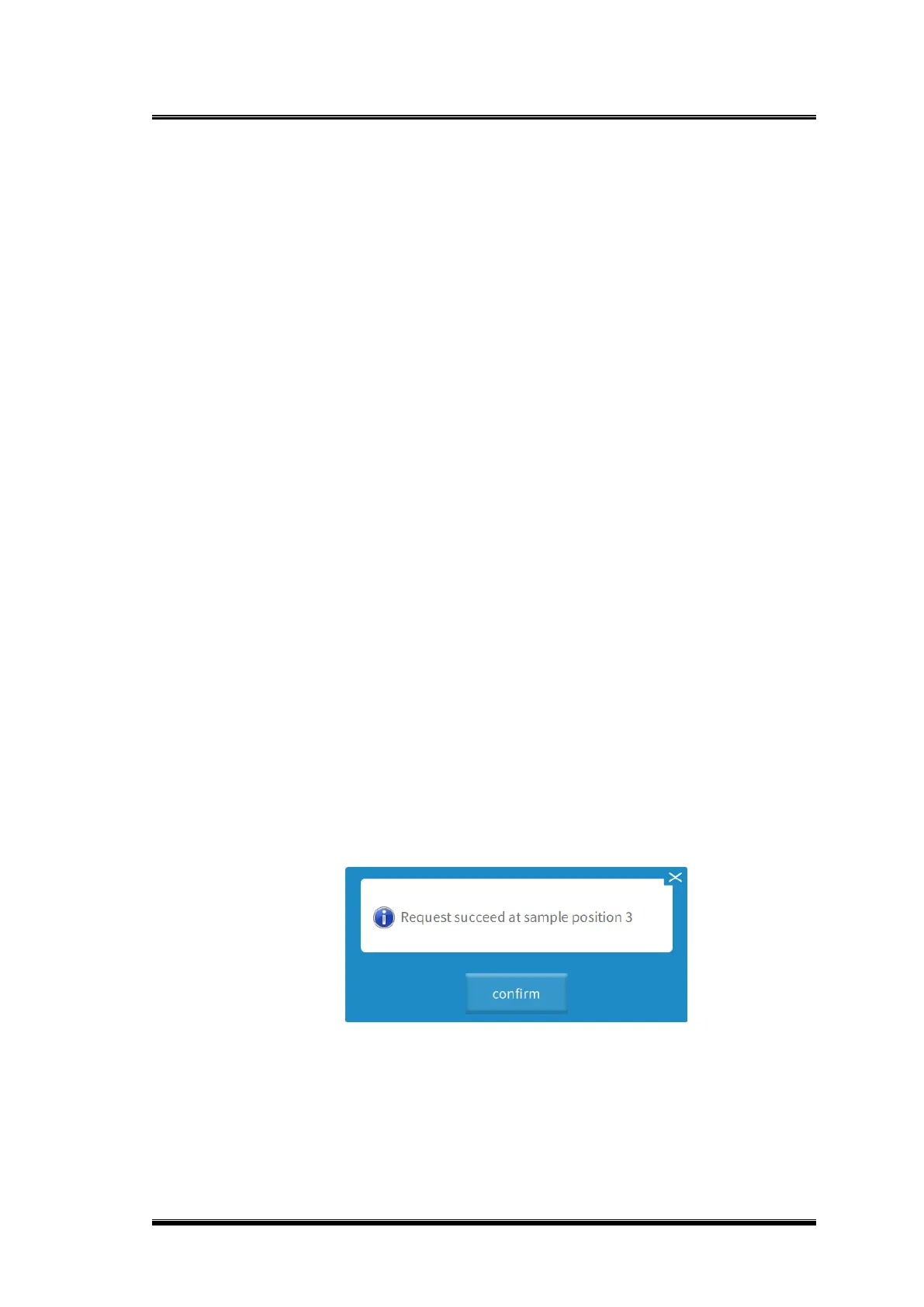
3) Click the [QC Request] the prompt, “Request at the sample position 00 completed”
will pop up;
4) Click [OK], QC request test will be added to [Sample List].
Figure 0-4 QC request completed prompt
3.11.1.3. Delete QC request
⚫ Method 1:


 To Next Page