not, do not perform; if there is, perform the following steps;
◼ Yes: Needle reset-long cleaning (sample cleaning action), perform 3 one-step
process tests, suck 120ul enhanced cleaning solution, incubate for 2 cycles,
sample and other reagents are not added, no need to inject substrate for
photometry;
◼ Support additional sample test during batch post-processing;
◼ The entire process can be manually stopped (need to be placed on the stop
button), after manual stop, the user needs to clear two disks.
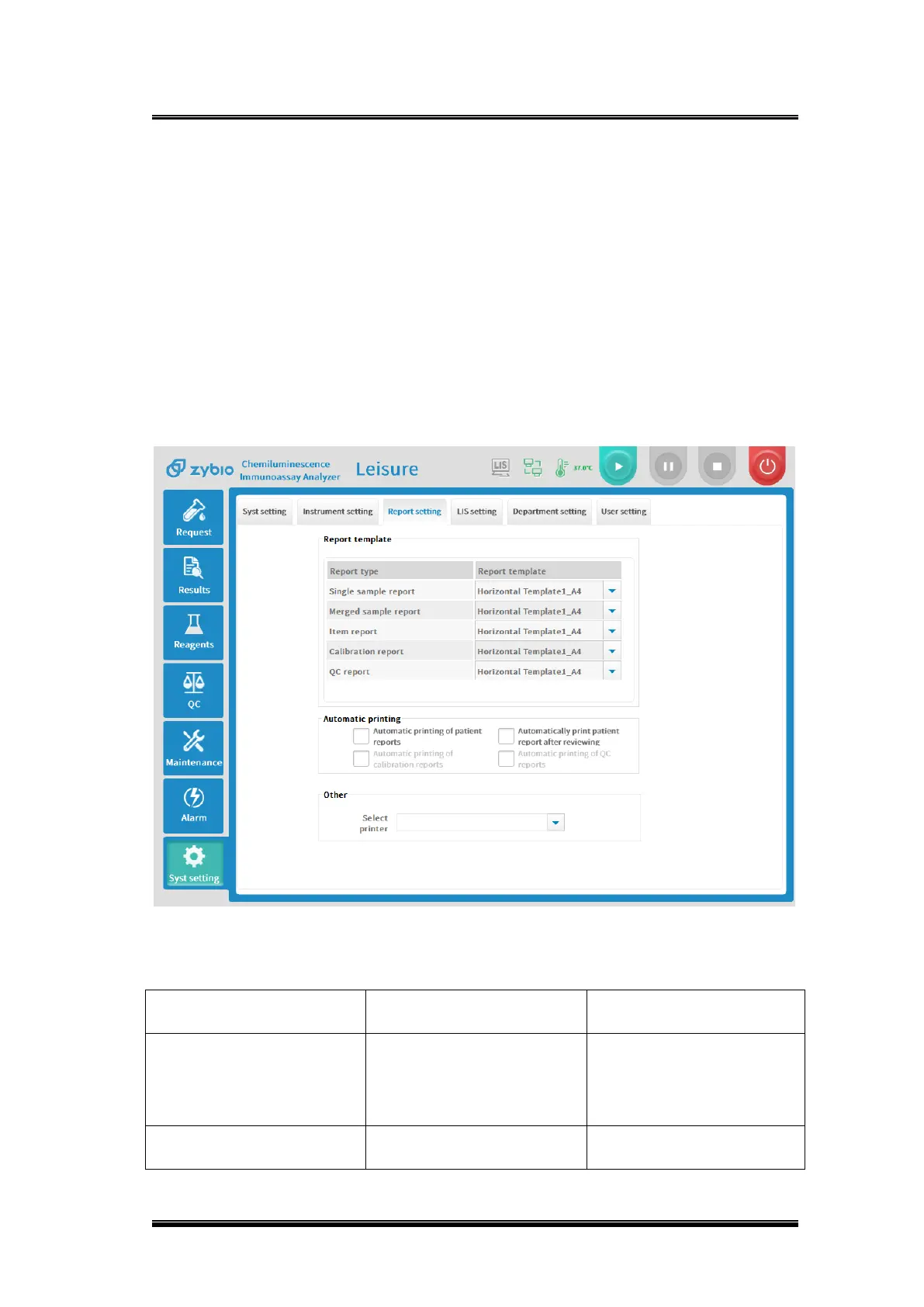
4.8.2.9.Report setting
Figure 4-14 Report settings interface
Basic parameters explanation


 To Next Page