Configuration & User Manual: 2N IP Intercoms and CCURE 9000
COPYRIGHT © 2022 2N Telekomunikace a.s. All rights reserved
6.6.2 Triggers Tab
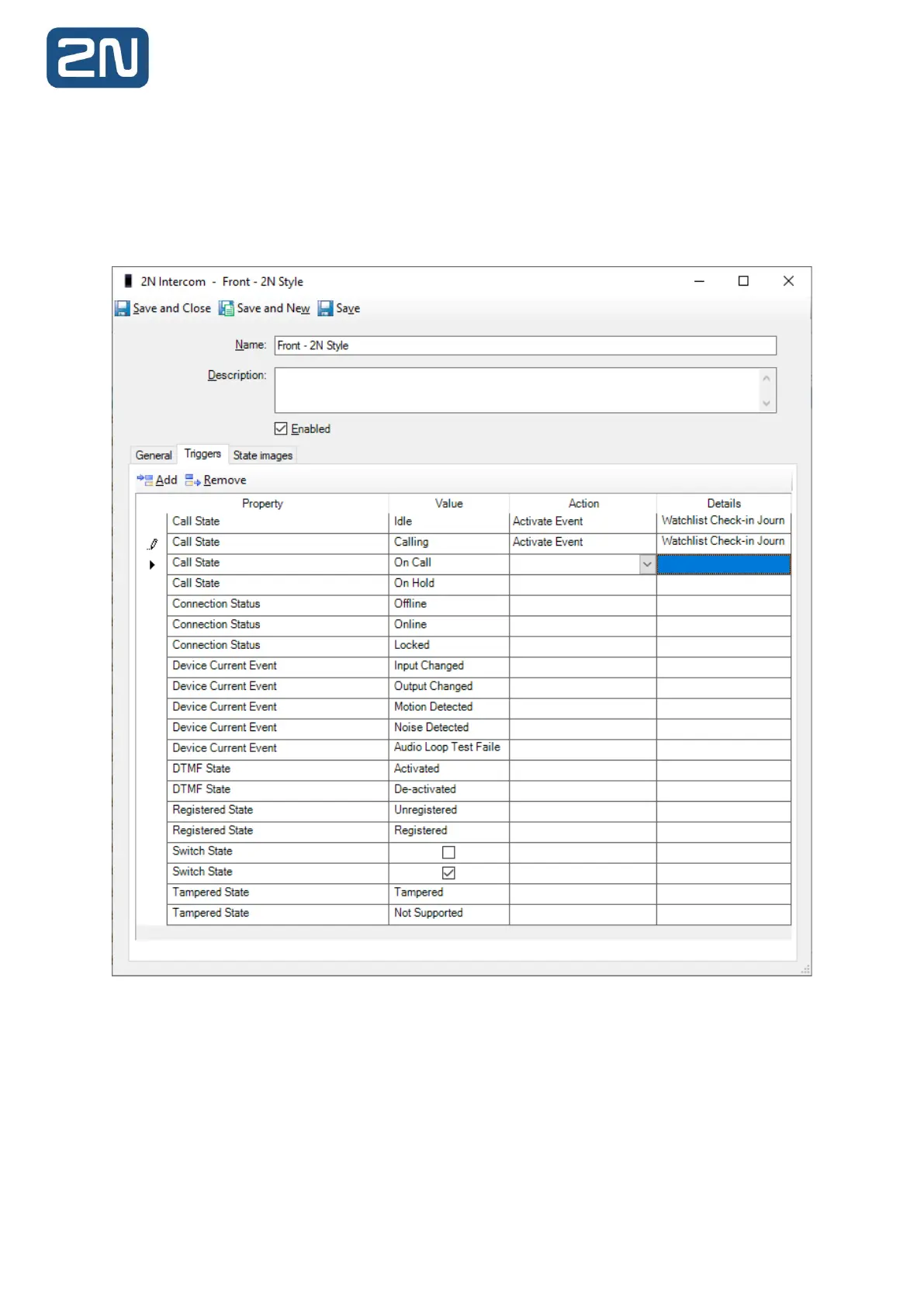
The Triggers tab is used to configure actions generated in 2N Intercoms to trigger events in C•CURE.
Events may be configured in C•CURE for 2N intercoms, which may then be subsequently be triggered by
the appropriate state change for a given intercom.
Following 2N Intercom Events can be used for triggering:
6.6.3 To Create a Custom Event
To create a custom event in C•CURE, carry out the following steps:
1. Log into the Administration Workstation.
2. Navigate to Configuration. Select Event from the drop-down, click New:



 To Next Page