Configuration & User Manual: 2N IP Intercoms and CCURE 9000
COPYRIGHT © 2022 2N Telekomunikace a.s. All rights reserved
2.6 Licensing the 2N Intercoms Integration Product
This integration has two licensing requirements:
2.6.1 C•CURE License
The 2N Intercoms Integration product is a licensed option for a C•CURE 9000 Server. You must purchase
this license from Software House support to use the software. In an Enterprise architecture, the MAS and
any SAS you wish to run the integration on must be licensed.
Only the server is licensed. You can have as many client connections as C•CURE is licensed for.
When you access the C•CURE 9000 License application on your C•CURE 9000 server, you can see if your
license includes the Cruatech - 2N Intercoms - Integration product by running the C•CURE 9000
Licensing program (Start>All Programs>Tyco>C•CURE 9000>Licensing) and clicking the Options tab. If
the Cruatech - 2N Intercoms - Integration product is selected, you have a valid license.
If you do not have a license for the 2N Intercoms Integration product, contact Software House to
purchase a license.
2.6.2 2N License
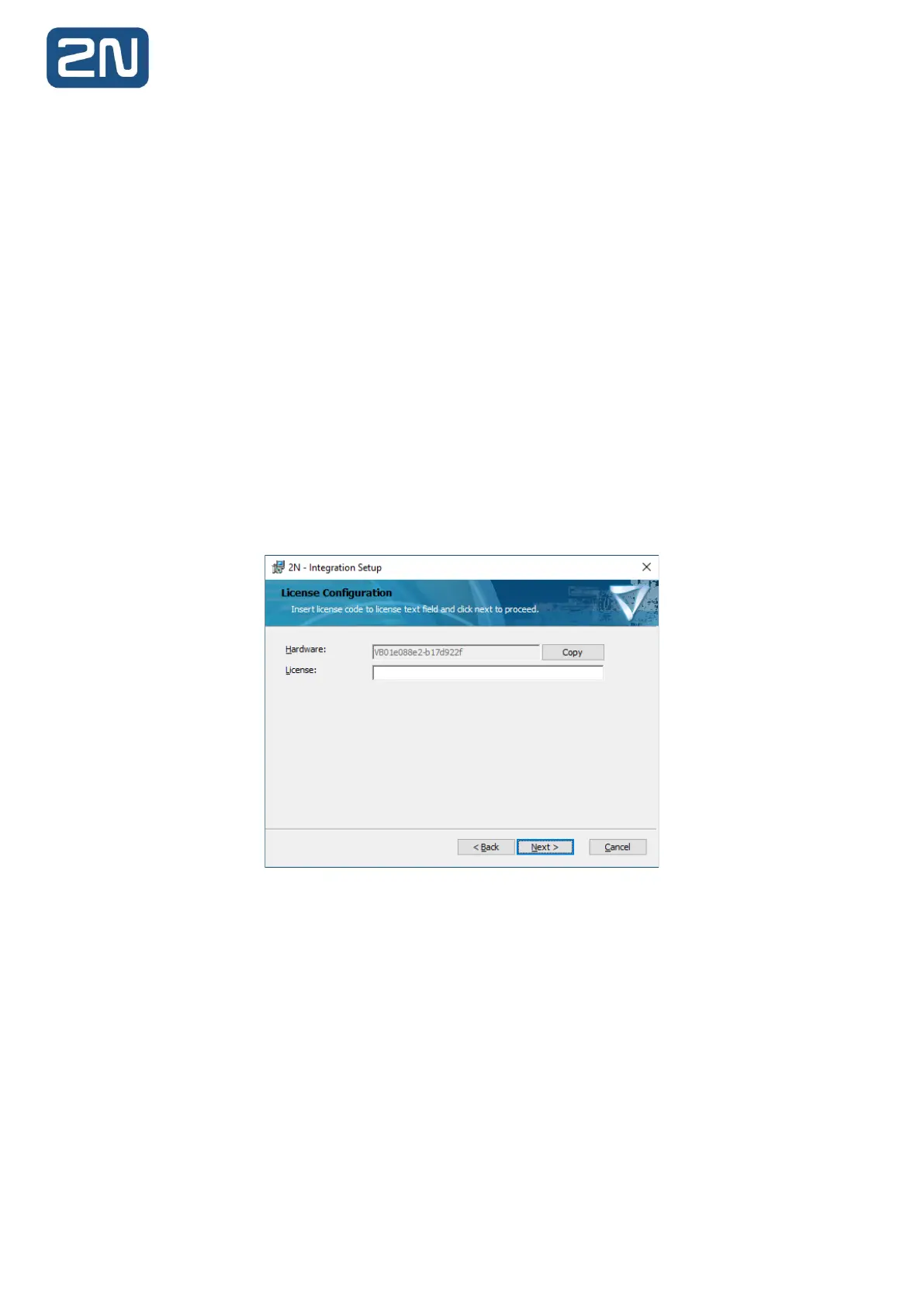
The server component also requires 2N licensing applied. The license screen is part of the installation
process:
Note: Steps to obtain/install license are described in the Installation section.



 To Next Page