Configuration & User Manual: 2N IP Intercoms and CCURE 9000
COPYRIGHT © 2022 2N Telekomunikace a.s. All rights reserved
9.2 Map annunciations
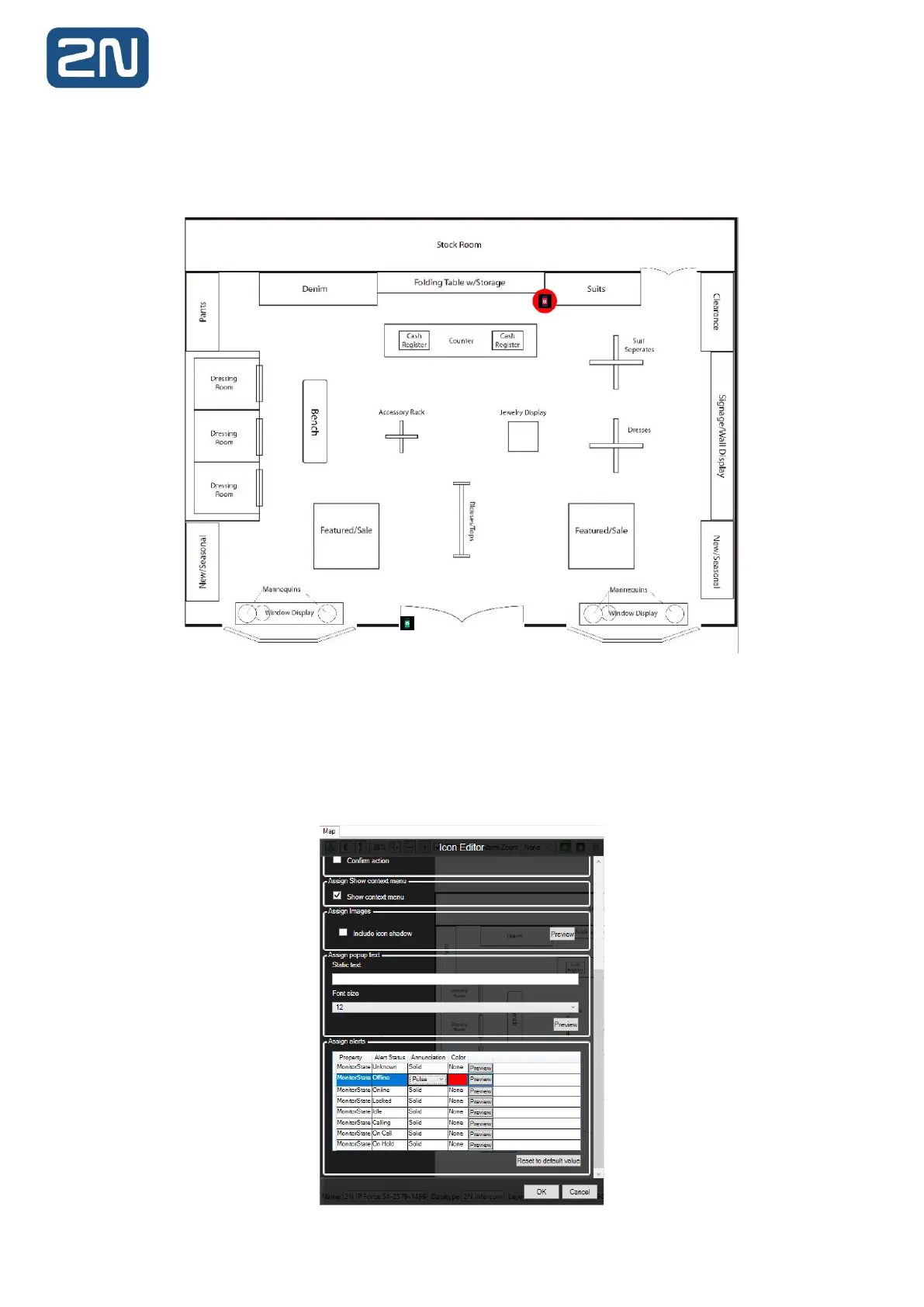
C•CURE supports annunciations for objects placed on a map. For example, an intercom may be
configured to turn red on a map if it goes offline:
9.2.1 Configuring map annunciations
To configure annunciations for intercom icons, follow steps 1-8 of the previous section. Alternatively,
right-click an existing icon in the map editor to invoke the Icon Editor section. Scroll down to the bottom
of the pane to the Assign Alerts section:



 To Next Page