Configuration & User Manual: 2N IP Intercoms and CCURE 9000
COPYRIGHT © 2022 2N Telekomunikace a.s. All rights reserved
4. Setting calling between 2N IP Intercom and 2N Master Station
If you configure everything according to the following instructions you’ll be able to automatically
see video preview from intercoms when a call is received on the 2N Master Station as well
as activate switches on 2N IP Intercoms which is necessary to rule C•CURE 9000 to open the
Door. Additionally, you’ll be able to call every 2N IP Intercom in the same network.
IP addresses used in the example:
• 2N IP Intercom: 10.27.24.2
• 2N Master Station: 10.27.5.211
4.1. 2N IP Intercom setup
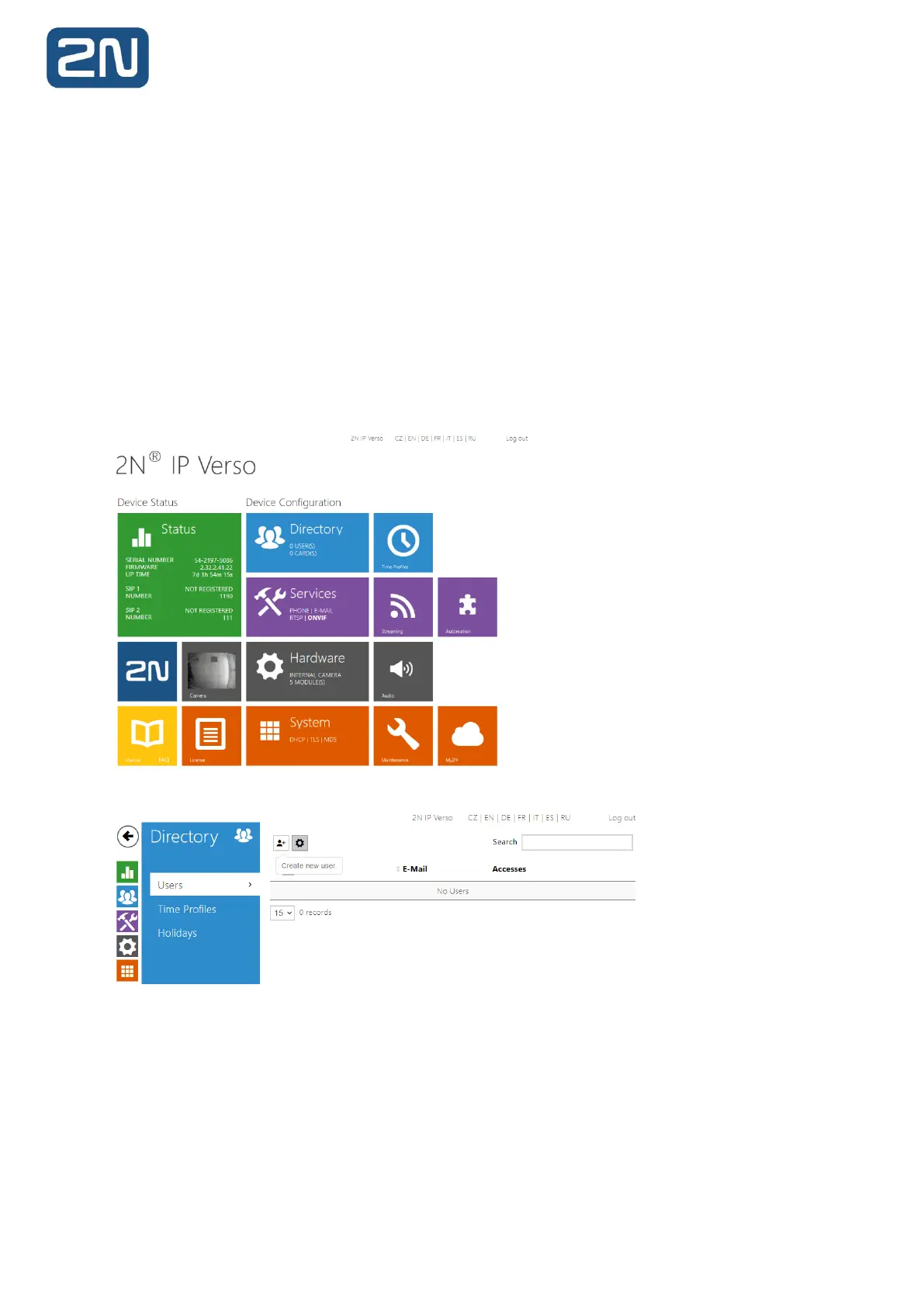
1. After you log into the intercom, go to Directory.
2. Add a new user.



 To Next Page