Configuration & User Manual: 2N IP Intercoms and CCURE 9000
COPYRIGHT © 2022 2N Telekomunikace a.s. All rights reserved
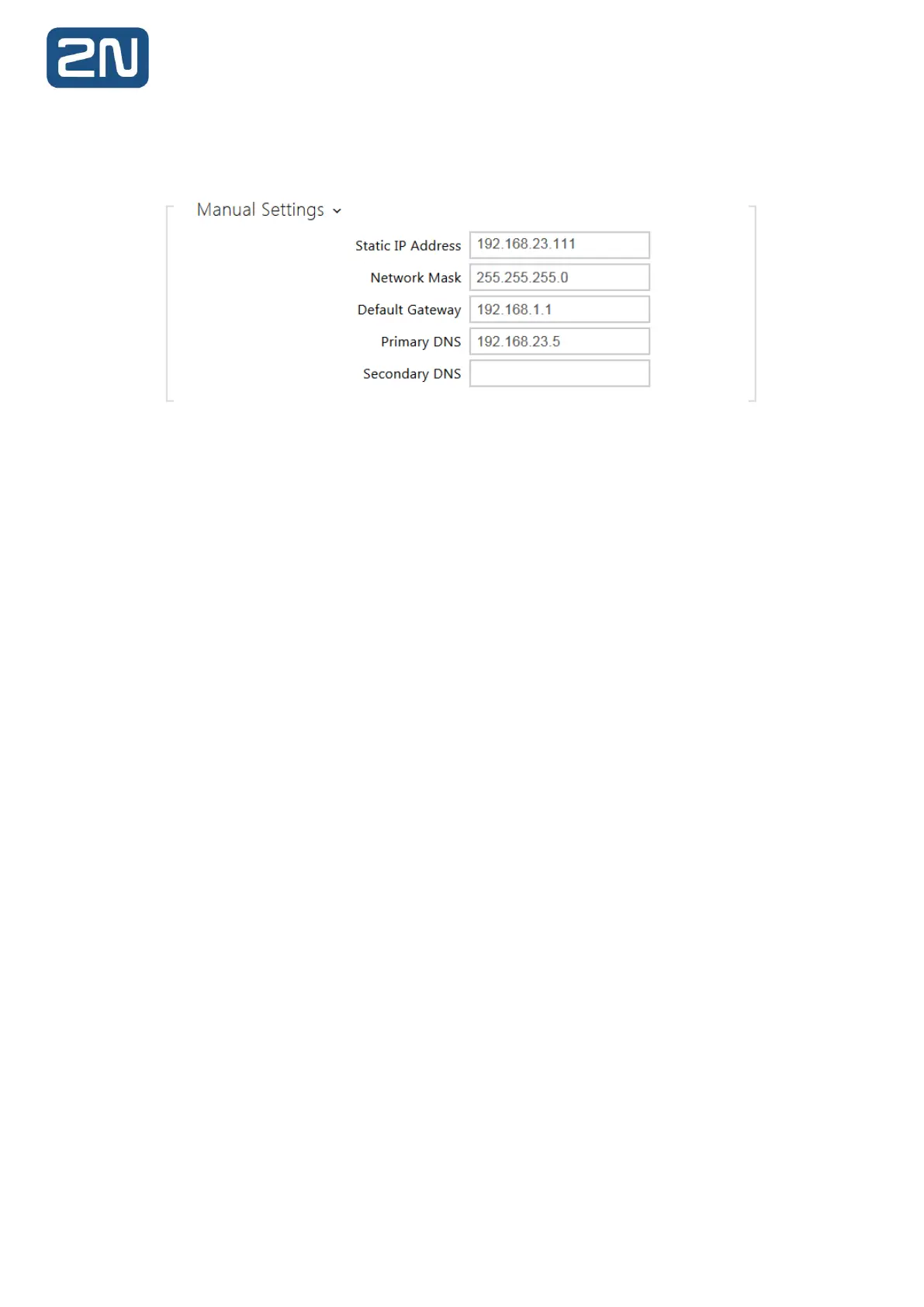
Uncheck the “Use DHCP Server” and in “Manual Settings” fill in the desired values according to
your network setup, e.g.:
3.2. LAN Connection Setting - 2N Master Station
2N Master station is also by default using DHCP for automated network settings. The easiest way
to change it is from the device touch screen.
Network Settings:
- Swipe down from the top of the screen to enter the control centre.
- Tap Settings -> AdvancedSettings (default password: 2N or the password you already set
using Web Interface) -> Network -> WAN Port/Wi-Fi Port/VLAN/Web
Server/802.1x/VPN/LLDP/CDP/NAT to configure the network.



 To Next Page