Configuration & User Manual: 2N IP Intercoms and CCURE 9000
COPYRIGHT © 2022 2N Telekomunikace a.s. All rights reserved
Part 7 Call Management
This chapter explains how to manage calls for 2N Intercoms in C•CURE 9000. Commands may be issued
for intercoms from the Hardware tree, Dynamic view, or from a map. Right-click the device or icon to see
a list of commands for intercoms. The following table shows the commands available for 2N intercoms.
Initiates a call to the selected device from the master station associated with the
C•CURE workstation.
Ends any active calls on the selected device.
Places an active call on hold. Only supported for master stations.
Resumes a call on hold. Only supported for master stations.
Initiates a call from the selected intercom. When selected, you will be prompted for an
intercom to initiate the call to.
7.1 Hardware Tree
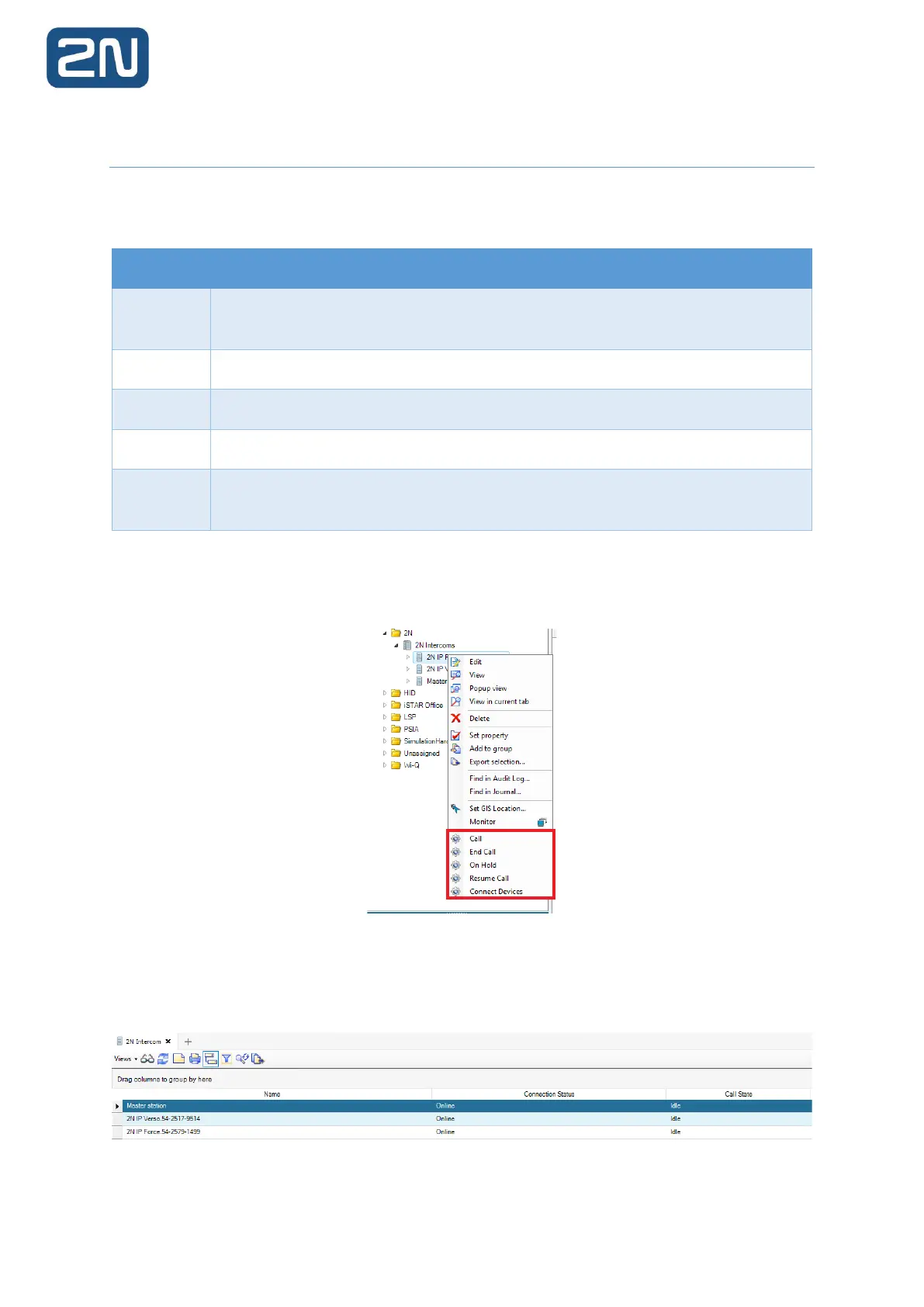
Once 2N intercoms are configured in C•CURE, they will be available for selection from the Hardware tree.
Right-clicking an intercom from here will invoke the call options:
7.2 Dynamic View
The Dynamic view in C•CURE shows a list of configured intercoms. Intercom states including connection
and call states may be viewed for each intercom from this view. To access the Dynamic view, double-click
the parent 2N Intercoms icon from the hardware tree:
Right-click an intercom from the list to invoke the call options:



 To Next Page