Configuration & User Manual: 2N IP Intercoms and CCURE 9000
COPYRIGHT © 2022 2N Telekomunikace a.s. All rights reserved
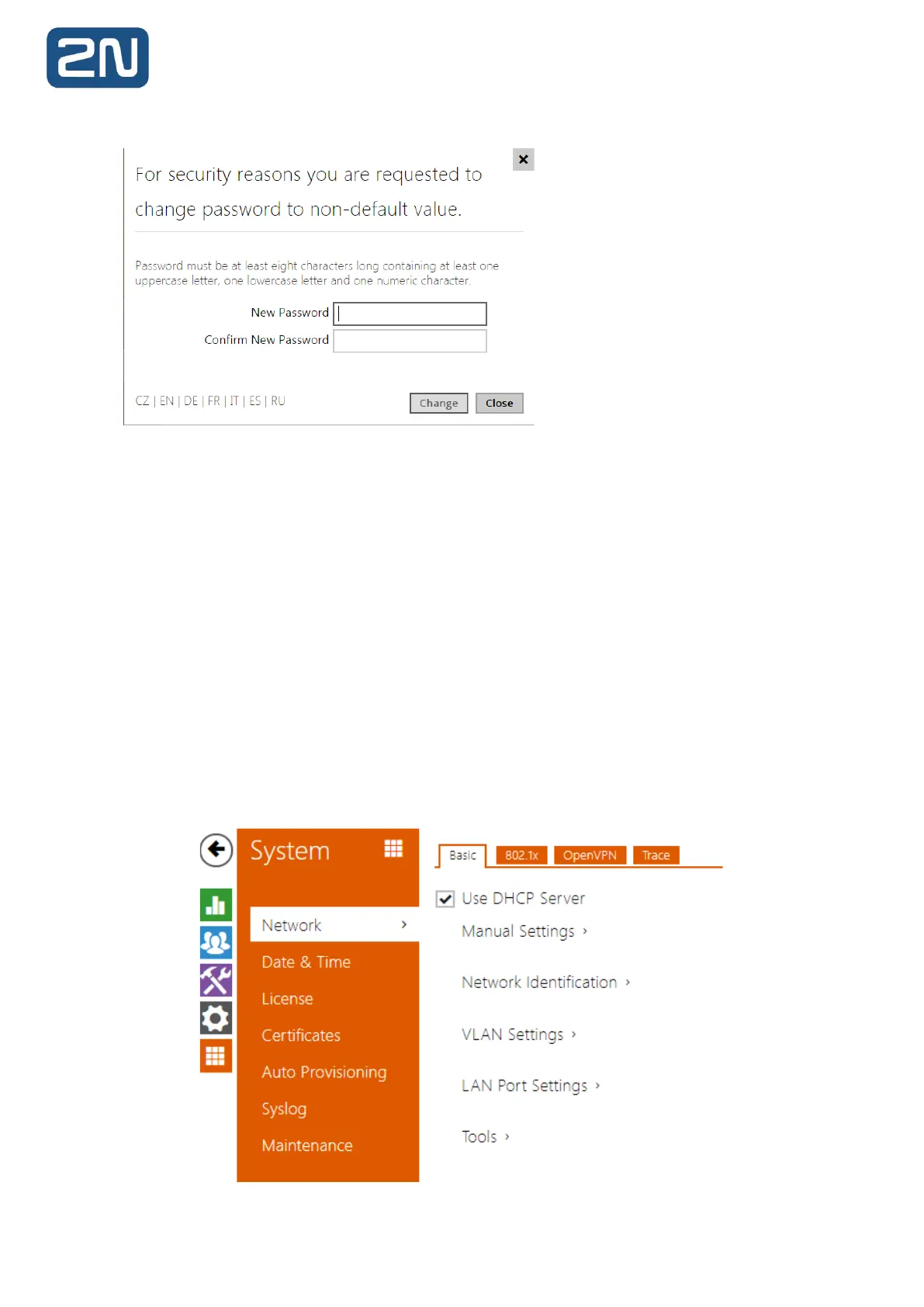
Remember the new password well or put it down just in case. Because if you forget the password,
you will have to reset the intercom to default values (refer to the Installation Manual of your
intercom model) and lose all your current configuration changes.
If there is no DHCP server in the network or if you need to find out the IP address of your 2N IP
Intercoms you could use free software 2N® IP Network Scanner which can be downloaded from
2N web.
Or you can use the link below :
https://www.2n.cz/en_GB/products/2n-network-scanner
If 2N® IP Network Scanner cannot find any 2N IP Intercom then please check if your 2N IP
Intercom is fully booted up and has an access to your network. 2N® IP Network Scanner can
even find units that have a static IP address from a different IP address pool than your network
is using. You can also change the IP address with the usage of the 2N® IP Network Scanner, just
click on the 2N IP Intercom with the right mouse button and use Config.
Once in the Weg GUI of the 2N IP Intercom, the IP address is set in section:



 To Next Page