1.
2.
3.
4.
5.
6.
7.
8.
Card Reader Mounting
Power off .2N IP Vario
®
Use a hexagonal wrench to unscrew and remove the metal cover.
Use a cross-head screwdriver to unscrew and remove the plastic cover.
Connect the reader module into the basic unit bottom connector 2N IP Vario
®
making sure that the microphone cable lies under the module.
Use the enclosed screws to fix the reader module to the plastic 2N IP Vario
®
base.
Connect the wires for the reader module interface(s) if necessary.
Replace and fix the plastic cover using cross-head screws.
Replace and screw back the metal cover.
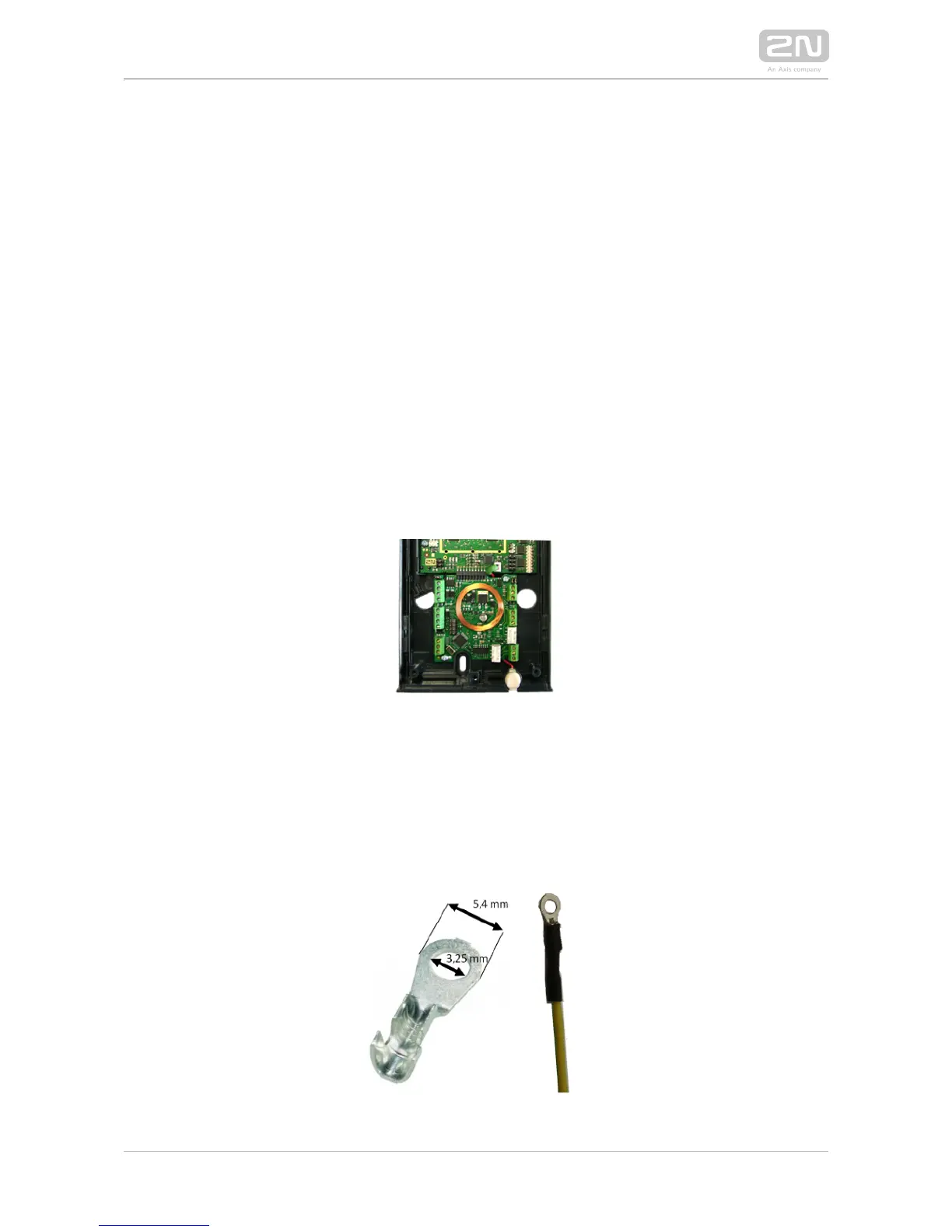
Grounding
We recommend to ground the intercom in order to improve the static electricity
resistance. For proper grounding you need a cable of the minimum cross-section of 4
mm2 and a cripm eye.



 To Next Page