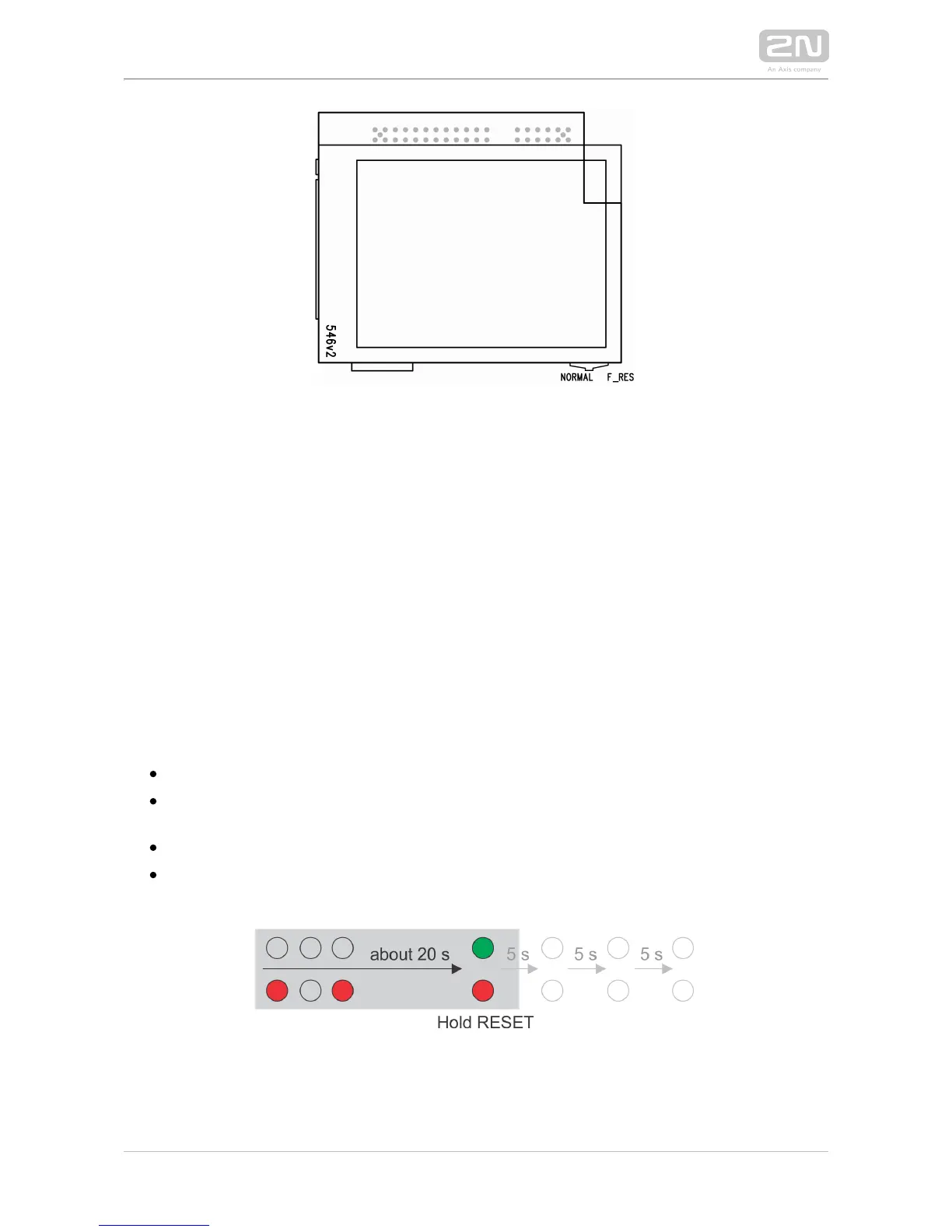
Resetting Procedure – Display Model (models with 535v1 and 535v2 board versions)
To reset the default values of a display-equipped , put the switch in the 2N IP Vario
®
display right-hand bottom corner in position F_RES. This applies to modules with
board versions 535v1 and 535v2 only. For 535v5 versions, use a jumper at connector
X13.
Resetting procedure (version 535v8 and later)
2N IP Vario
®
is equipped with a RESET button (button SW1 in the scheme above).
Press the button shortly (< 1 s) to restart the system without changing configuration.
Follow the instructions below to :identify the current IP address
Press and hold the RESET button.
Wait until the red and green LEDs on the device come on simultaneously
(approx. 20 s).
Release the RESET button.
The device announces the current IP address via the loudspeaker connected
automatically.



 To Next Page