Advertisement Mode
One or more images defined in the display program are displayed in the
advertisement mode. To quit the ad mode and move to the electronic name tag mode,
push any quick dialling button or numeric keypad key.
Electronic Name Tags
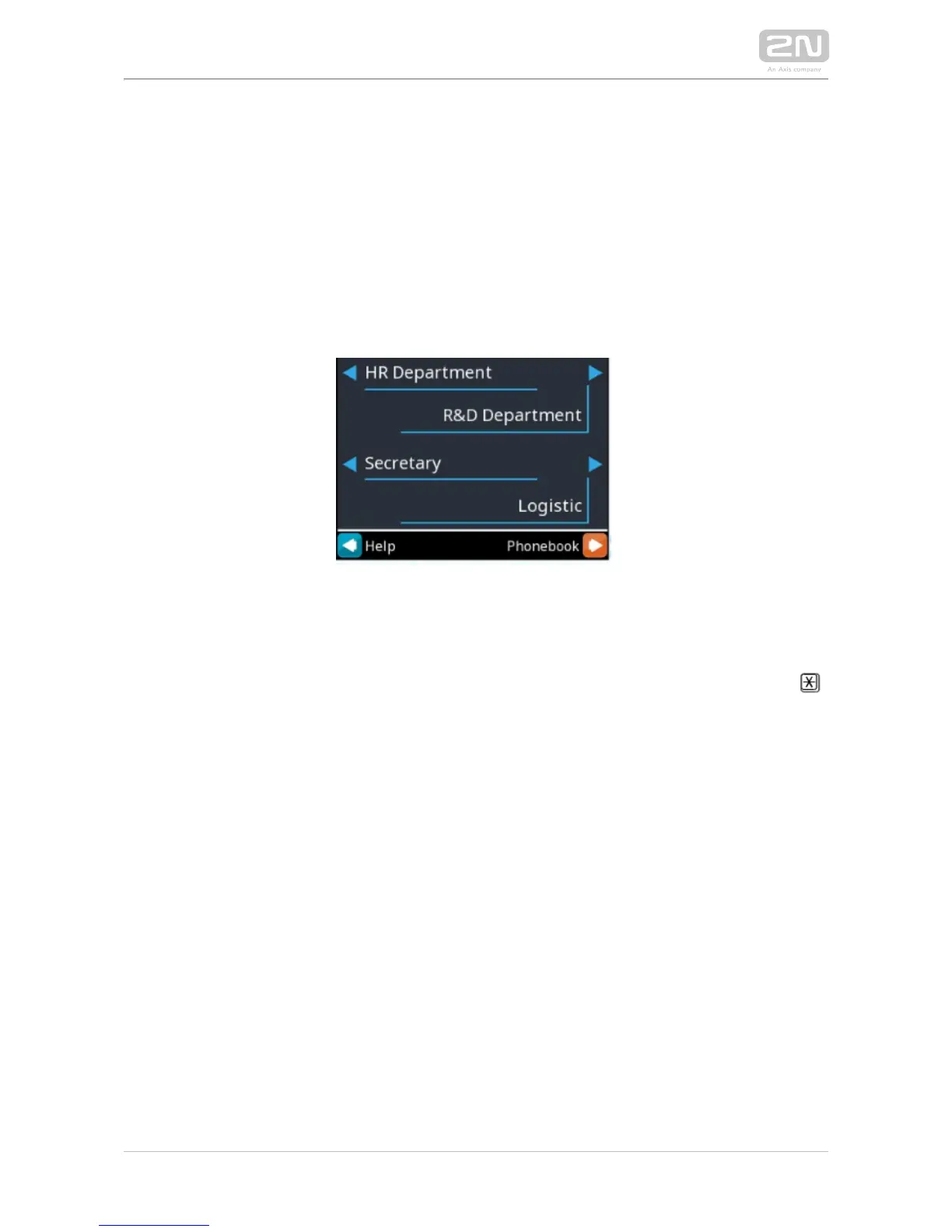
1, 2 or 4 name tags emulating the paper name tags can be displayed in the electronic
name tag mode. Push one of the 1, 2, 4 and 5 quick dialling buttons to call the user
assigned.
You can also enter the door lock opening codes and activate or deactivate a user or
profile in this mode. For steps refer to the no-display subsection. Push 2N IP Vario
®
the quick dialling button 6 to move to the Telephone directory mode and the
button to move to the mode (only if the telephone function is Calling to number
enabled, see ).Miscellaneous



 To Next Page