3.3 Display-Equipped Intercom as Viewed
by External User
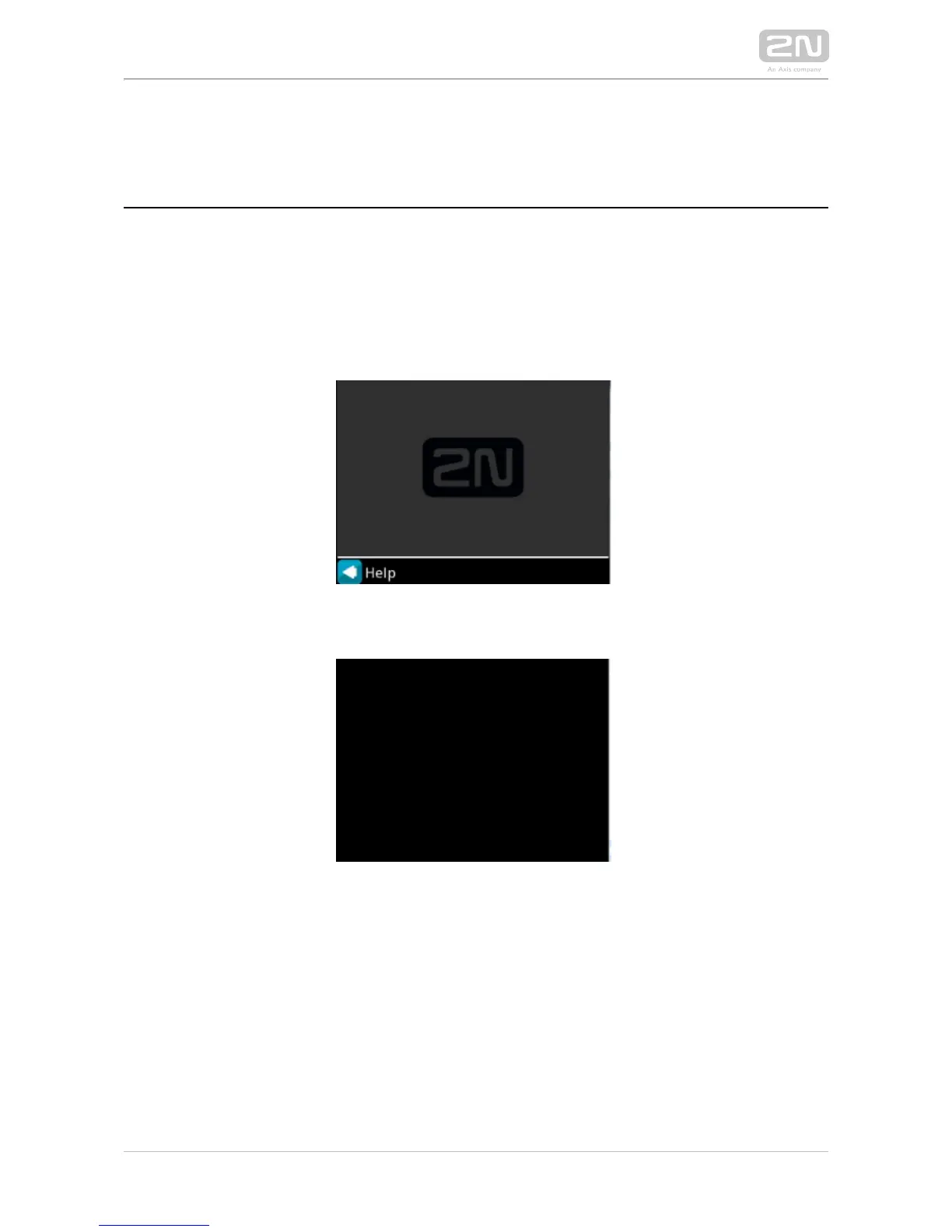
Until the display program is uploaded to , the display shows the logo; 2N IP Vario
®
2N
refer to the figure below. In this state, behaves and is controlled like no-2N IP Vario
®
display models, see Display-Equipped Control as Viewed by External 2N IP Vario
®
User.
Display with enabled function without configuration
Display with disabled function
With the proper display configuration, the advertisement or electronic name tag mode
is displayed upon the power on as pre-programmed.2N IP Vario
®
The display-equipped model is controlled using the numeric keypad and 2N IP Vario
®
quick dialling buttons. Buttons 2, 4, 6 and 8 are cursor keys in the telephone directory
mode. Buttons 3 and 6 are functional keys and initiate the action displayed in the right-
hand and left-hand screen corners.



 To Next Page