2.2 Electric Installation
Electric Installation Step by Step
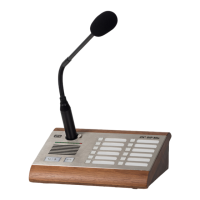
It is very easy to connect elec 2N SIP Mic
®
trically. Just find the connectors and
controls for initial connection on the back panel :
connect the additional microphone to the upper connector,
connect the UTP cable,
connect a 12 V power supply to the back connector (unless PoE is used).
Caution
Be sure to connect the power supply as the last step. The SIP 2N
®
Mic
same applies to PoE supply from the LAN.
The device must be part of the electrical system of the building.
Insert the enclosed microphone into the DIN 3P connector on the upper 2N SIP Mic
®
side until its clicks into position. Press the locking button and pull out the microphone
to disconnect it.


 To Next Page