3.1.2 Network
2N SIP Mic
®
is connected to the Local Area Network with a valid IP address, which
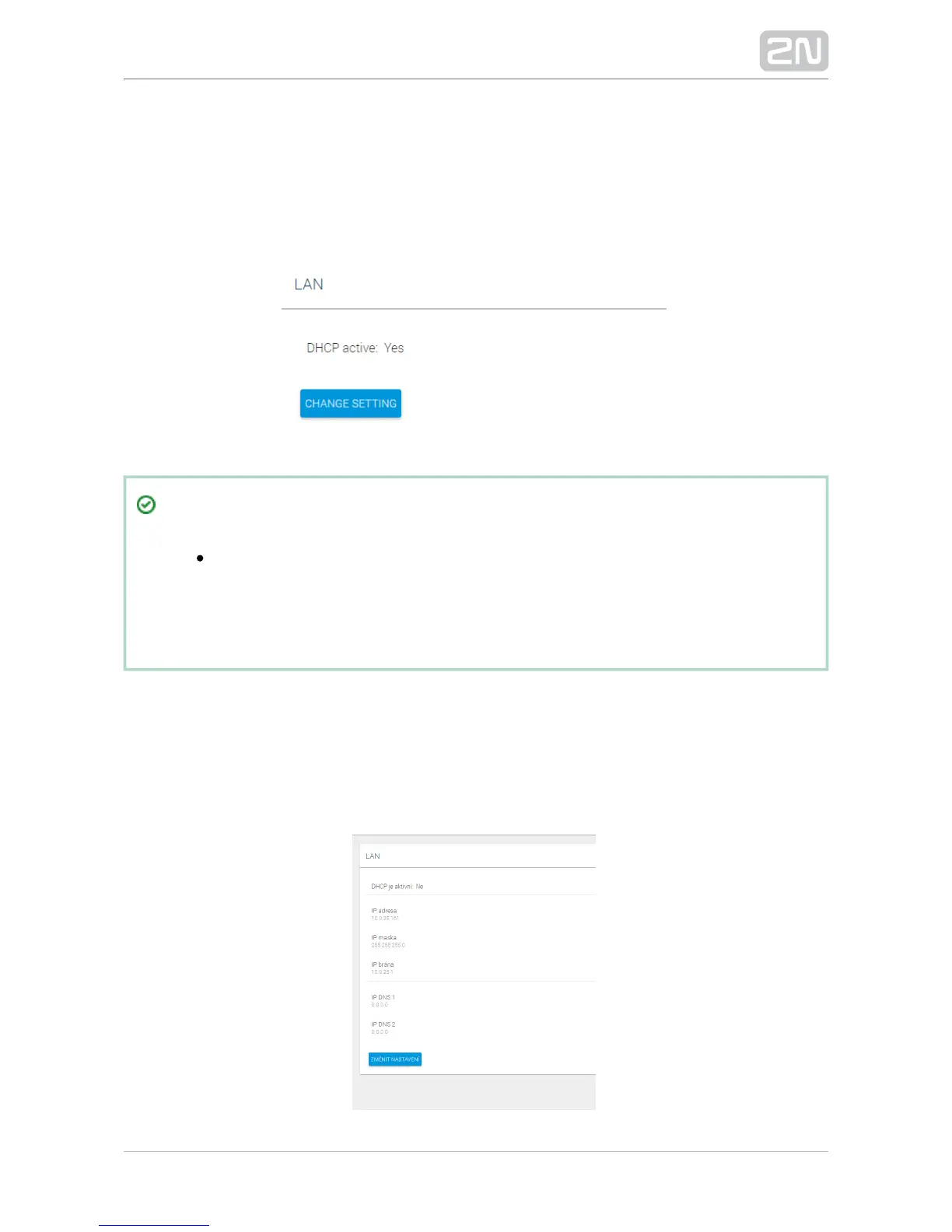
must be properly set or obtained from the DHCP server in the LAN. Configure the IP
address and DHCP server on the Network tab.
Tip
To find your intercom IP address, download the 2N Network Scanner
®
from for free or use the mechanism described in your www.2n.cz
intercom's installation manual – the intercom communicates the IP
address to you via a voice function.
LAN
By default, the device automatically gets the IP address from the DHCP server in the
LAN. The current IP address is always displayed in the System status menu on the
start screen. If there is no DHCP server available in your LAN, use the manual network
configuration.


 To Next Page