If the login screen does not appear, an incorrect IP address was entered into the web
browser or the administration web server was turned off. If you are not 2N
®
SIP Mic
sure of the IP address of , use the 2N
®
SIP Mic 2N
®
Helios IP Network Scanner
application as described in the Description of 2N
®
Helios IP Network Scanner
subsection.
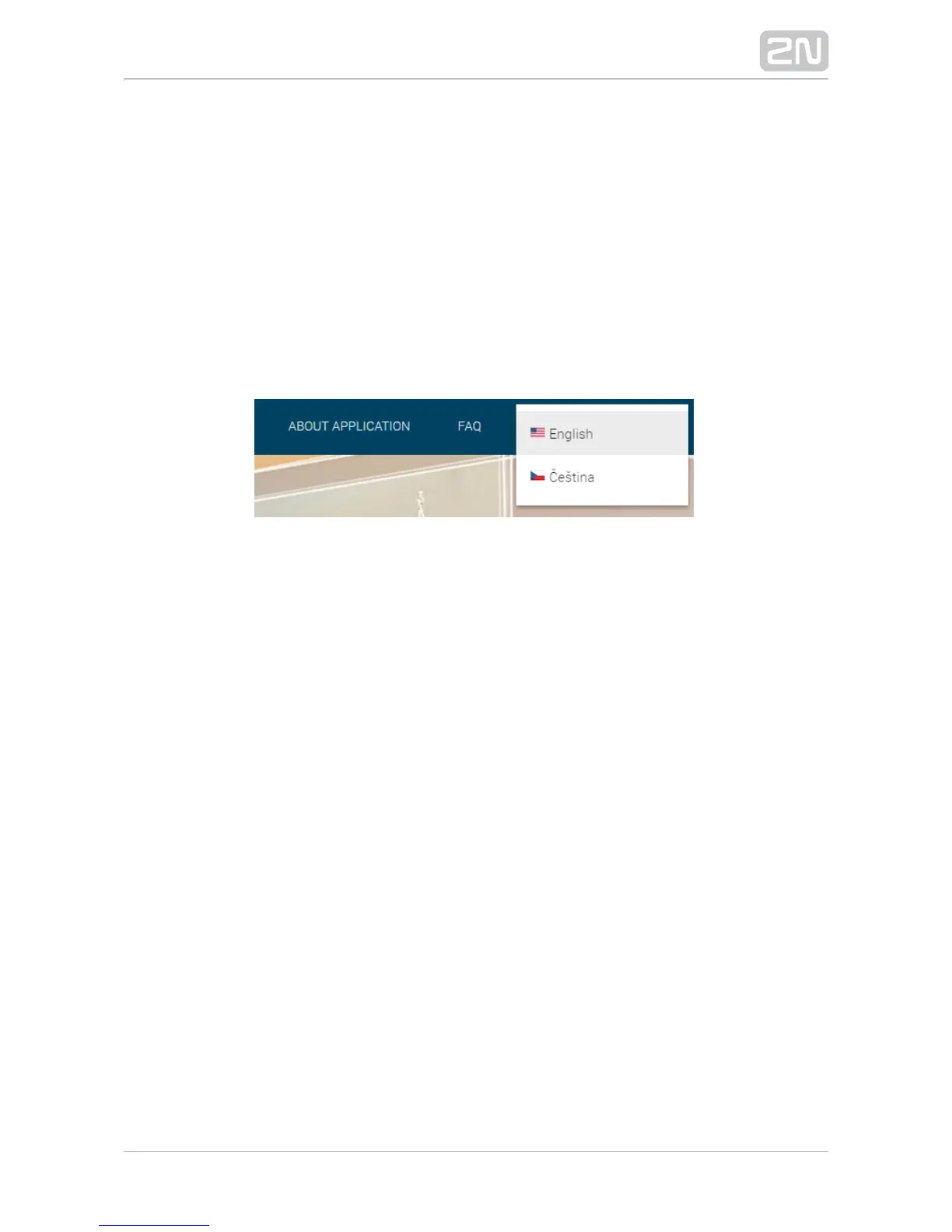
Language Selection
You can select the language using the tag menu in the right-hand upper corner as
shown in Figure below.
Language selection
Start Screen
The start screen is displayed whenever you log in to the web interface. 2N SIP Mic
®
Use the System status menu in the left-hand upper corner of the navigation bar to
return to the start screen any time. Choose the web interface language to the right.
Click the Log out button in the right-hand upper corner of the screen to quit 2N SIP
®
.Mic


 To Next Page