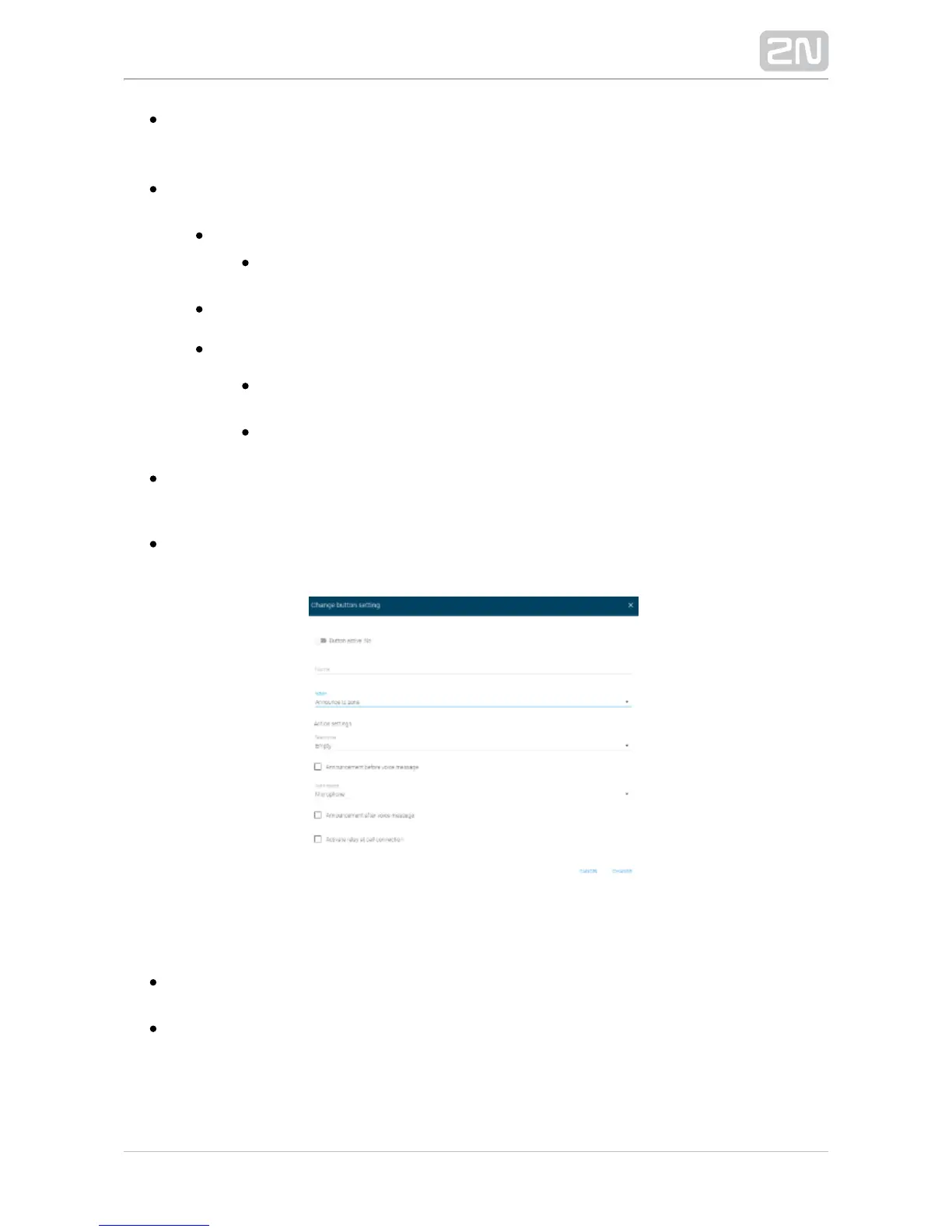
– enable playing announcements before Announcement before voice message
voice messages. Load a message of your own in the System messages / Voice
messages menu. Disabled by default.
– set the audio source to be used for announcements. The default Audio source
value is Microphone.
Audio message
– set the voice message to be played. Load a voice Voice message
message in the Voice messages menu.
Microphone
– use the signal brought to the input.Input line 2N SIP Mic
®
– make the announcement end Automatically after timeout expiry
after a timeout expiry. Set values 0 to 9600. The default value is 10.
– make the announcement end when a button is By pressing a button
pressed.
– enable playing announcements after voice Announcement after voice message
messages. Load a message of your own in the System messages / Voice
messages menu. Disabled by default.
– the relay is activated when the call is connected. Active relay at call connection
The selection is inactive by default.
Listen to Zone
Select zone – select a zone for the announcement. Set the zone in the Zones
menu.
– the relay is activated when the call is Activate relay at call connection
connected. The selection is inactive by default.


 To Next Page