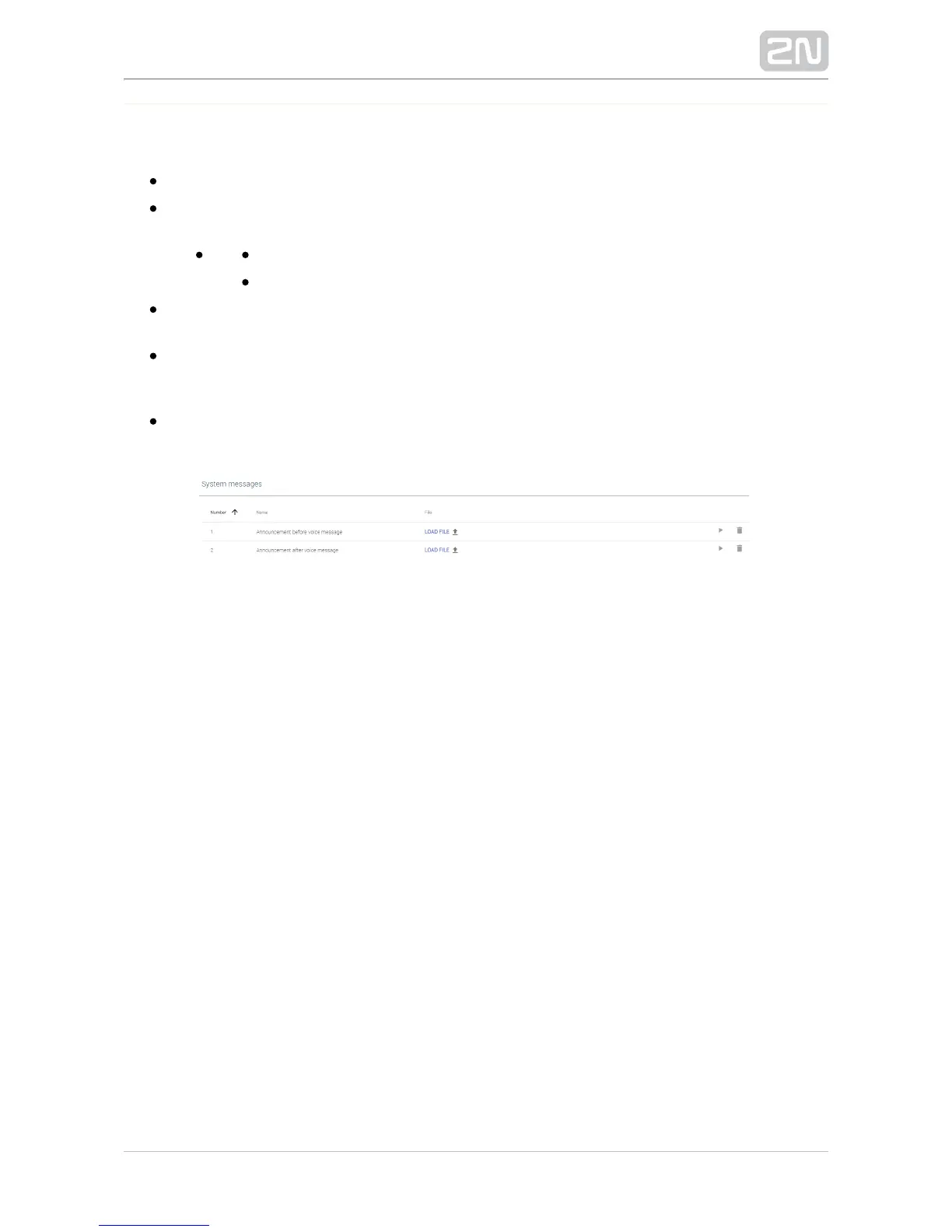
System Messages
– set the message serial number: 1–2.Number
– add the message name. The System message names are fixed and Name
invariable.
1 – announcement before voice message
2 – announcement after voice message
– open a dialogue window to select the path to the audio file on your Load file
PC hard drive.
– press Play to play a message. Click Stop, which does not appear Play/Stop
until the playing starts, to stop playing the current file. Sound is played to your
PC system speakers or attached headset.
– delete a user loaded file. The name does not change and the original Delete
system tone is restored upon deletion.


 To Next Page