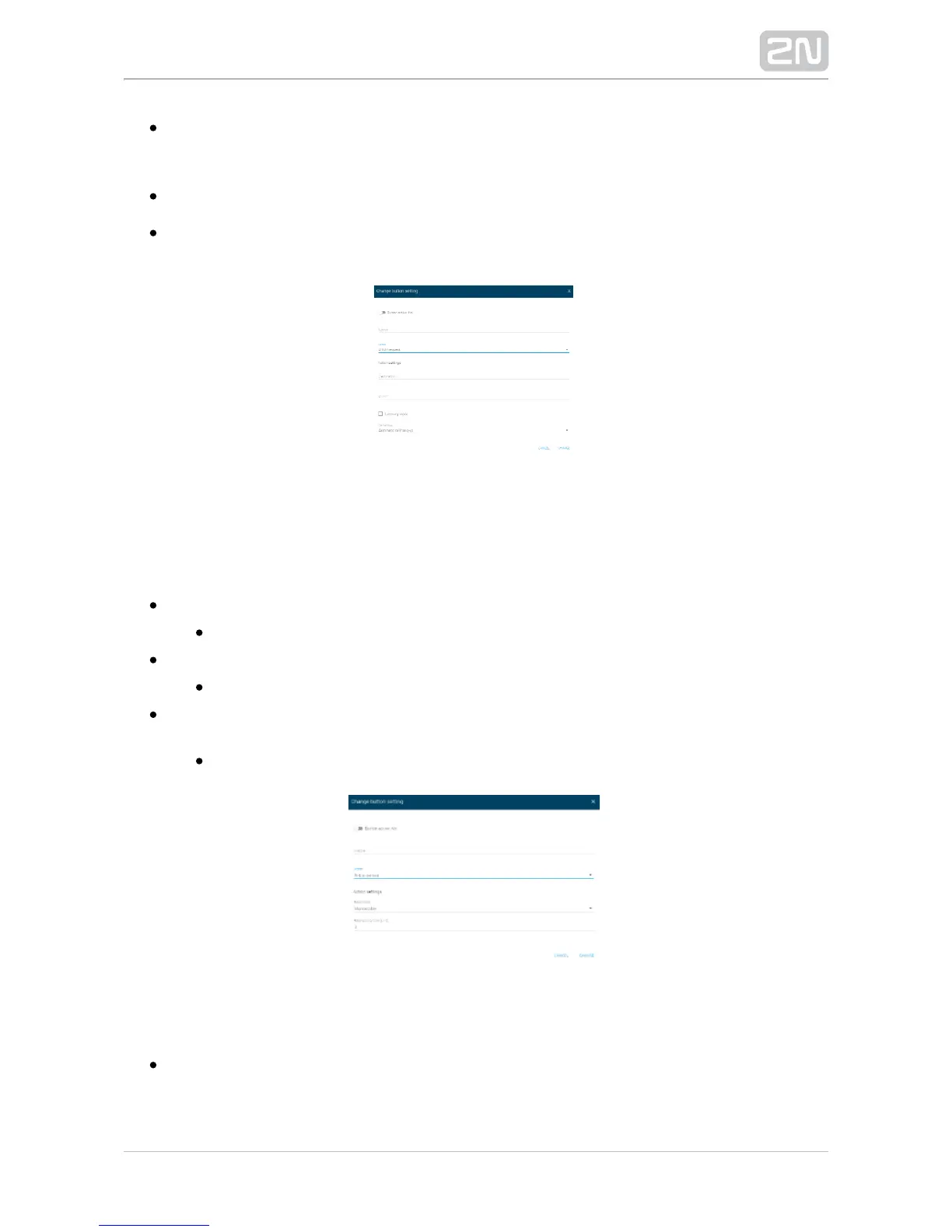
– set the DTMF code to be sent from when a button is DTMF 2N SIP Mic
®
pressed. Set the DTMF sending method in the VoIP menu.
– play the DTMF code using the speaker.Listening mode 2N SIP Mic
®
– define the call hang-up. The options are Automatic call hang-up Call hang-up
(default) and Repeated button press call hang-up.
Relay Control
Press a button to control the relay in one of the following three modes:2N SIP Mic
®
Monostable – the relay is activated for a defined period of time.
Relay activity time
– the relay state changes for a period of time defined by the parameter.Bistable
Minimum activation time
– the relay is active while the button is being Activate relay by pressing a button
pressed, yet for the minimum time specified here.
Minimum activation time
Announce to Zone
Select zone – select a zone for the announcement. Set the zone in the Zones
menu.


 To Next Page