3.1.4 Audio
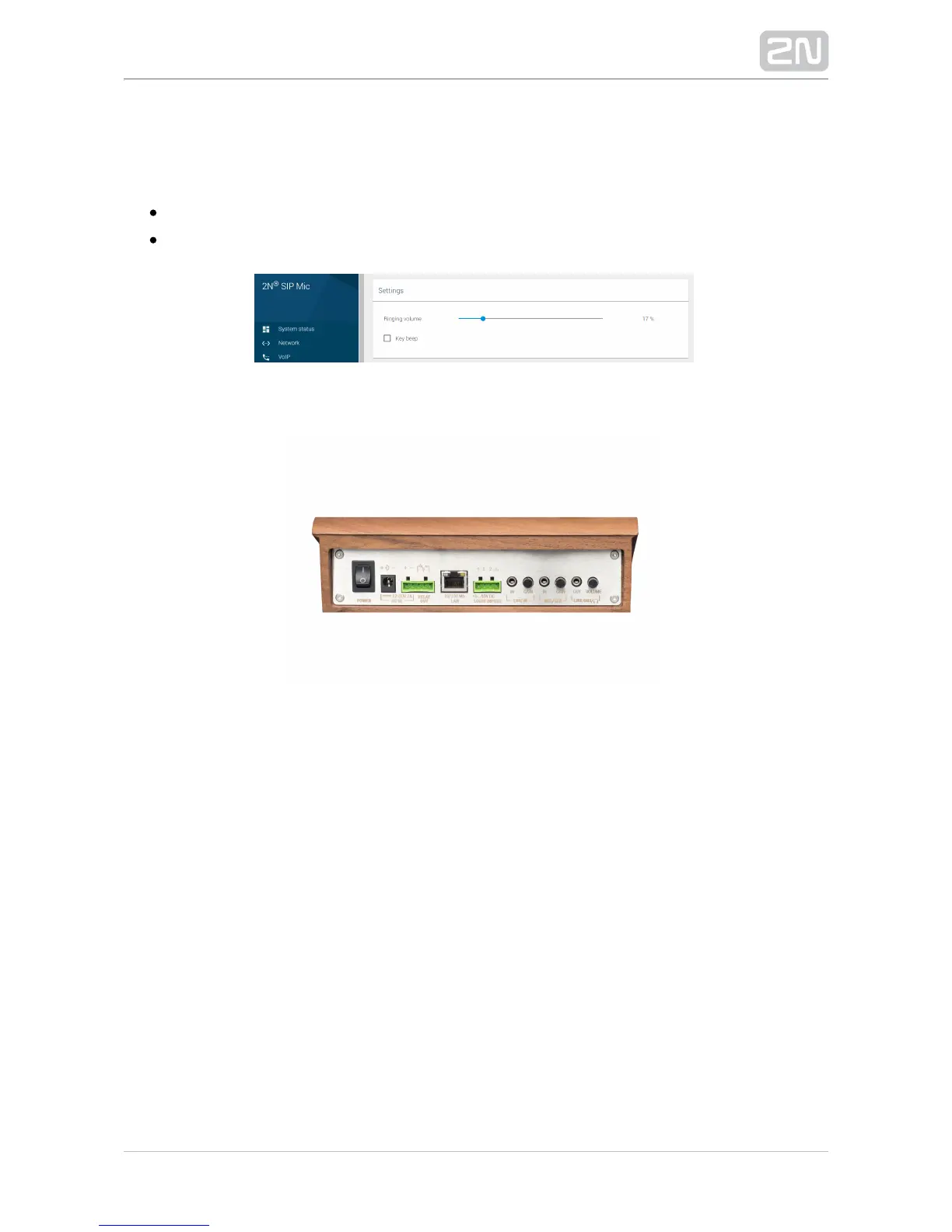
Settings
Ringing volume – set the device ringing volume (incoming call tone).
– enable/disable the key beep.Key beep
See the device back panel for more volume and sensitivity controls.
The LINE IN signal gain is achieved mechanically using a rotary potentiometer on the
panel back. Microphone sensitivity is controlled in the same way. The amplifier is the
same for the primary microphone attached to the device upper panel and an external
microphone MIC IN. Plug the connector into the socket to switch the signal direction.
This means that the two microphones are never active at the same time. The attached
external microphone has the priority. The LINE OUT and integrated speaker work
analogously.


 To Next Page