3.2.4 HTTP Request
Set the HTTP request to open the door, activate the network relay or send commands
to other devices via the console. See the example below showing how to 2N SIP Mic
®
set the switch activating HTTP command.2N Helios IP Verso
®
Suppose there is a installation at the main entrance to your 2N Helios IP Verso
®
premises and calling to is configured for one of its buttons. Press the 2N SIP Mic
®
button to set up an incoming call to . The operating staff will answer the 2N SIP Mic
®
call and open the door for the caller. Typically, the door is opened by the DTMF code.
, however, is not equipped with a keypad for the code to be entered. 2N SIP Mic
®
Therefore, configure the HTTP command for a button and press the button to send
the command to for door lock relay activation.2N Helios IP Verso
®
To set the HTTP command, go to the configuration and open the button 2N SIP Mic
®
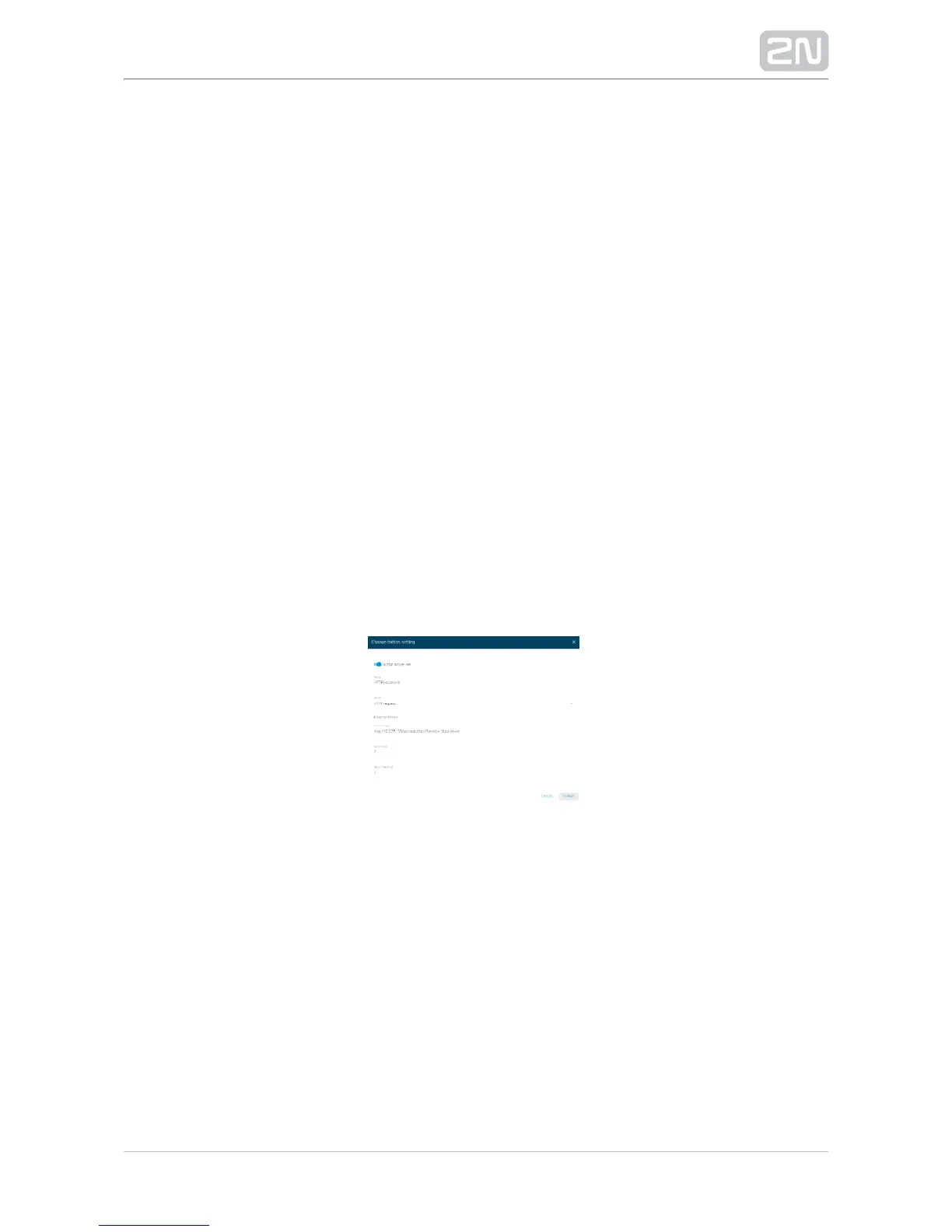
menu. Select one of the buttons, activate it with a switch and click edit to open the
following dialogue window.
Add a name to the action. Select the HTTP request from the action list. Set the action
using the supported HTTP request format, which, in our case, is as follows:
http://IP_ADDRESS/api/switch/ctrl?switch=1&action=on
Do not set the Retry count unless the HTTP request is denied for a reason. In our case,
the call was answered, which means that the device is available and no timeout or
retry count need to be configured. Save the setting. Press the button and when it
turns pink, the command is successfully sent and a green door-open indicator lights
up on . At the same time, the relay is activated and the door 2N Helios IP Verso
®
opening tone is generated.



 To Next Page