3.6 How To Enter Figures For ‘Password Setting’ And In ‘Menu Parameters’
(Authorised Personnel Only)
•
••
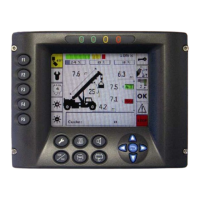
• Switch on the VIEW TECH-LMI unit and to press immediately.
•
••
• In this case, are displayed the asterisk where is possible to scroll by and modify the value
with
keys.
•
••
• In end to confirm the code of the password with
.
*
Code: X X X X


 To Next Page