5.5 [33 Tools] Accessories Activation
This procedure allows to select accessories on the machine. Usually, in the EPROM, are installed different accessories
data/load charts. During commissioning procedures it’s vital to activate only the accessories which are delivered with the
machine. Setting “1” it will make the accessory operational, setting “0”, it will exclude the corresponding accessory.
This parameters can be modified with the “assistance” password in order to add a different accessory if may needed.
Please remember that when the system gets initialised, some of the accessories may be disactivated. They must be
reactivated manually.
PROCEDURES STATUS
IN THE CONTROL AREA
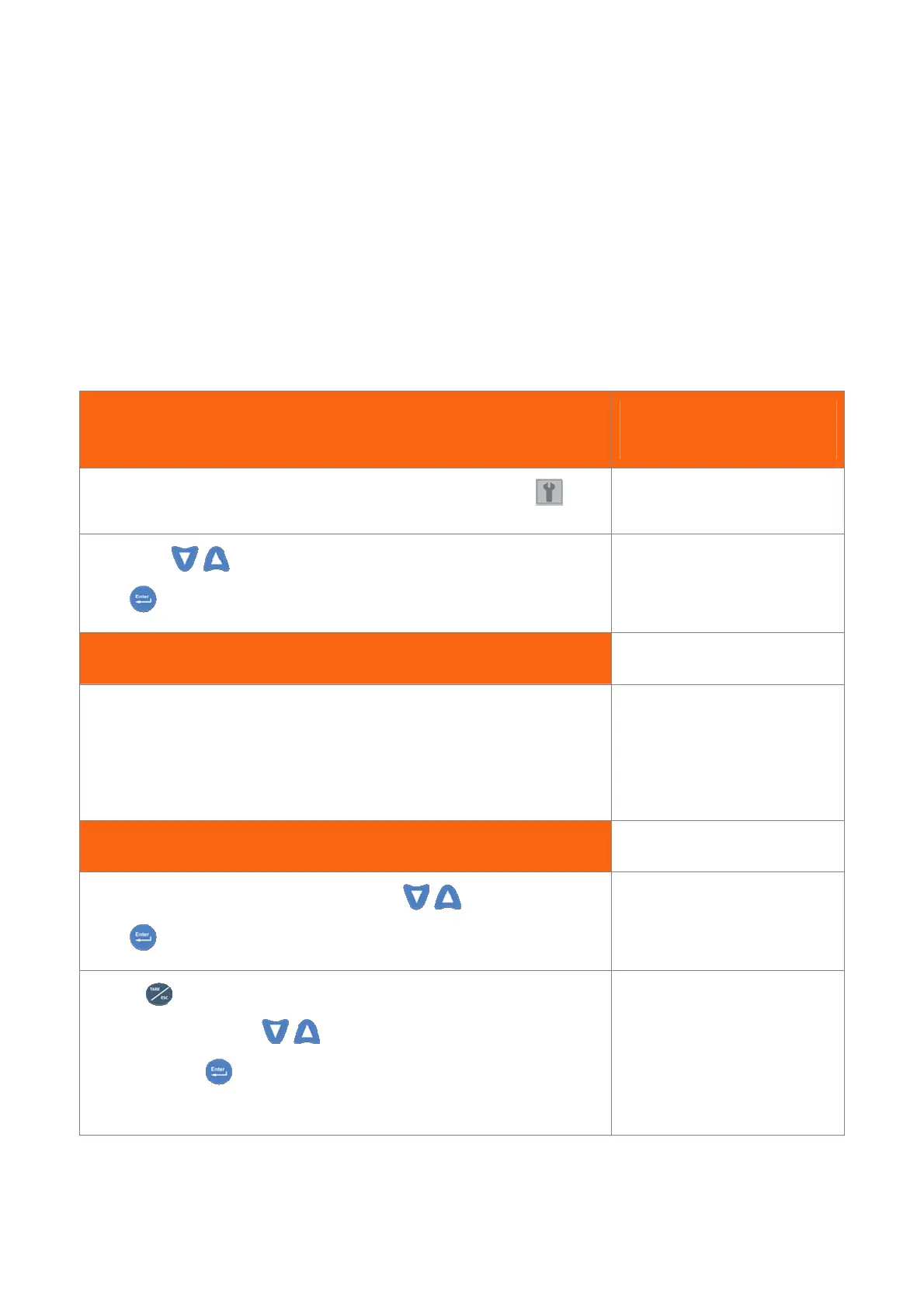
Follow steps in 3.5 paragraph to select and enter the menu parameters
Pressing the
keys, seek the page as shown on the right.
Press to get in.
CONFIGURATION
33 Tools
Accessories List
The accessories which load charts table are stored in the
EPROM, are visualized on the bottom line (in the settled
language).
If the load chart table is empty nothing will show up.
TOOLS
Main Boom 0
Activation Procedure
In order to activate Jib 8m, seek for it pressing the key.
Press
to select it.
TOOLS
With the
button, take the asterisk on the numerical
value and modify it with the
key.
To confirm , press .
Do not forget to save the operation
TOOLS *


 To Next Page