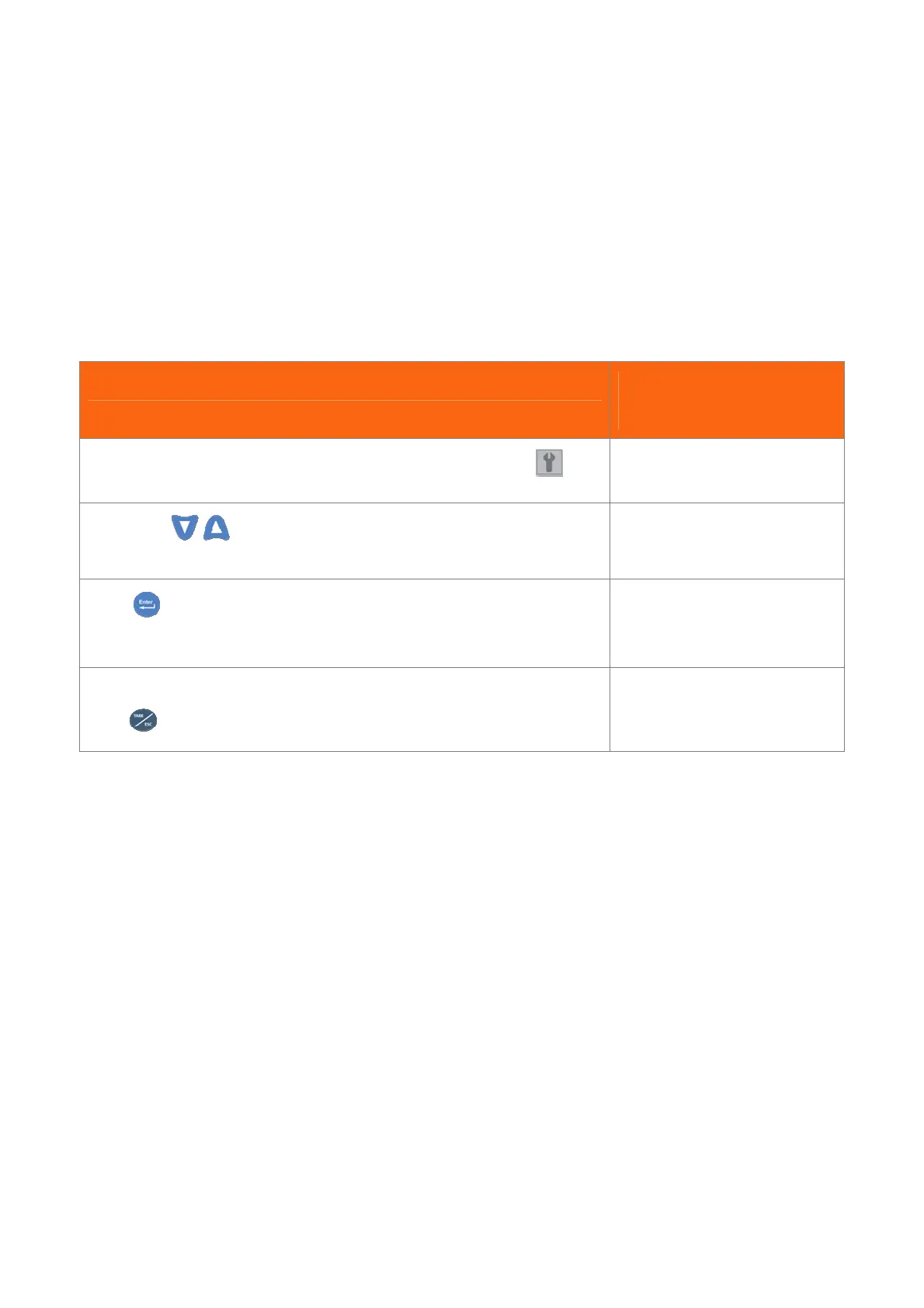
5.8 [01 Save] Save Parameters
This function saves only parameters!
Attention!
After any data modification, activation or calibration, it is compulsory to save avoiding to loose them switching the engine
off. The procedure is shown here below and will be required during calibration procedures that will follow.
PROCEDURES STATUS
IN THE CONTROL AREA
Follow steps in 3.5 paragraph to select and enter the menu parameters
Pressing the
keys, seek the page as shown on the right.
A x.x L x.x W x.x
01 Save
Press to activate the command. A message will inform that the saving
procedure is in progress.
Save In Progress
After that, the message indicated here will be shown.
Press
to go back to main working data page.
DONE !


 To Next Page