5.11 [31 E Mom Static] Static Pressure Calibration
This procedure will allow to us to storage the empty pressure of the boom. The user must follow the instruction that the
display shows during the procedure.
Remember that it’s required to insert the value of the Hook.
PROCEDURES STATUS
IN THE CONTROL AREA
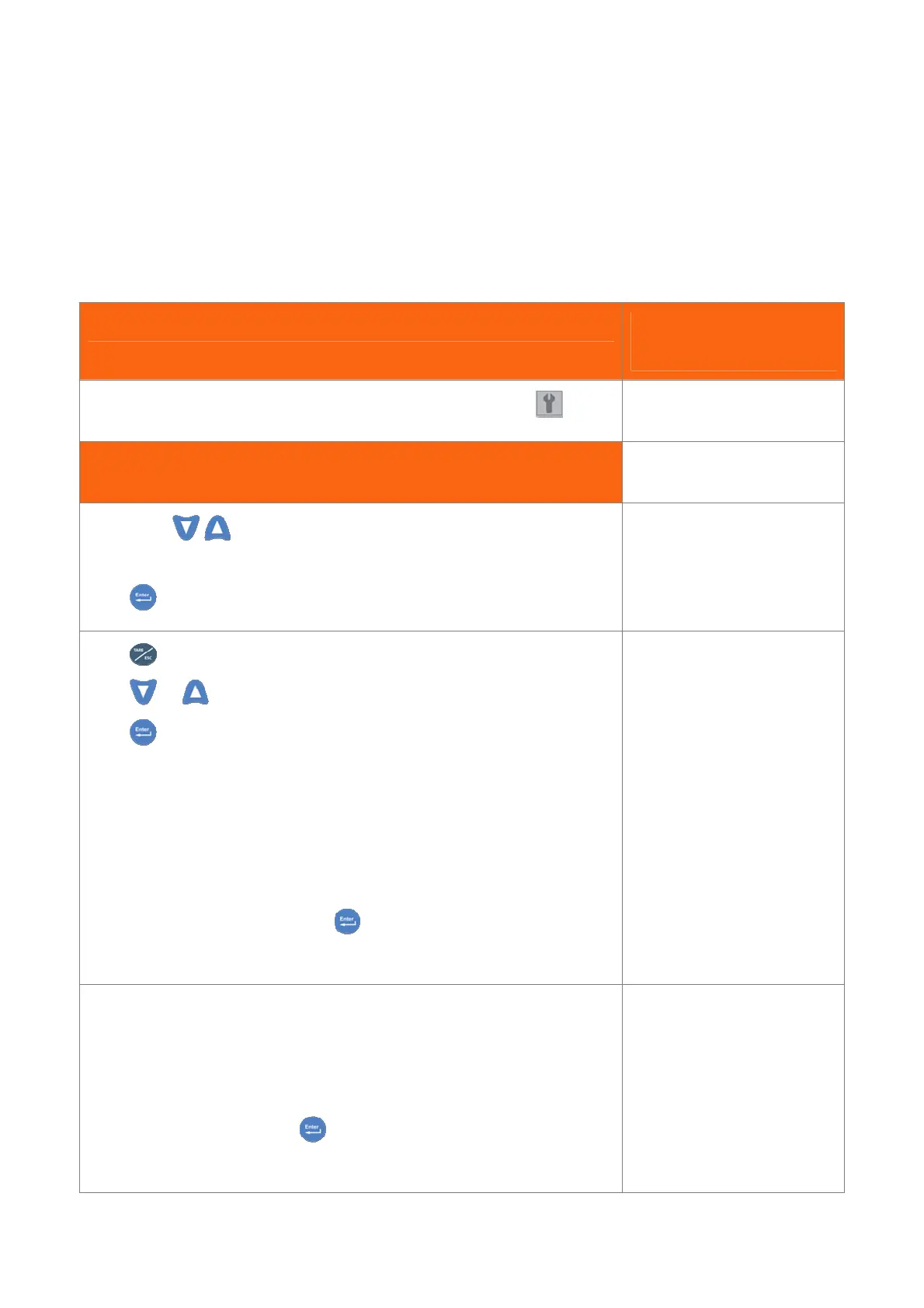
Follow steps in 3.5 paragraph to select and enter the menu parameters
Empty Moment – Static Procedure
Pressing the
keys, seek the page as shown on the right: “Empty Moment
Static” menu.
Press to get in.
A 78 L 8.1 W 1.2
31 E. Mom Static
Press for exit and delete the operation;
Press
or for scroll steps without execute.
Press to confirm an operation.
When you entry inside this page, software tells us how to continue.
In general first Row shows the procedure and the second Row shows which key you
have to use for execute the procedure.
“START PROCEDURE”: shows you that procedure is beginning.
“ENTER TO START” : press to continue after having completed
procedure.
START PROCEDURE
ENTER TO START
If you confirm this operation ,the previous pressure table will delete.
If the system allow the action, the system will go immediately to the next step.
”CLOSE MAIN BOOM”: close all boom section.
”ENTER TO START”: press to Start next step.
if the system allow the action, the system will go immediately to the next step.
Close Main Boom
ENTER TO START


 To Next Page