Control Panel Description
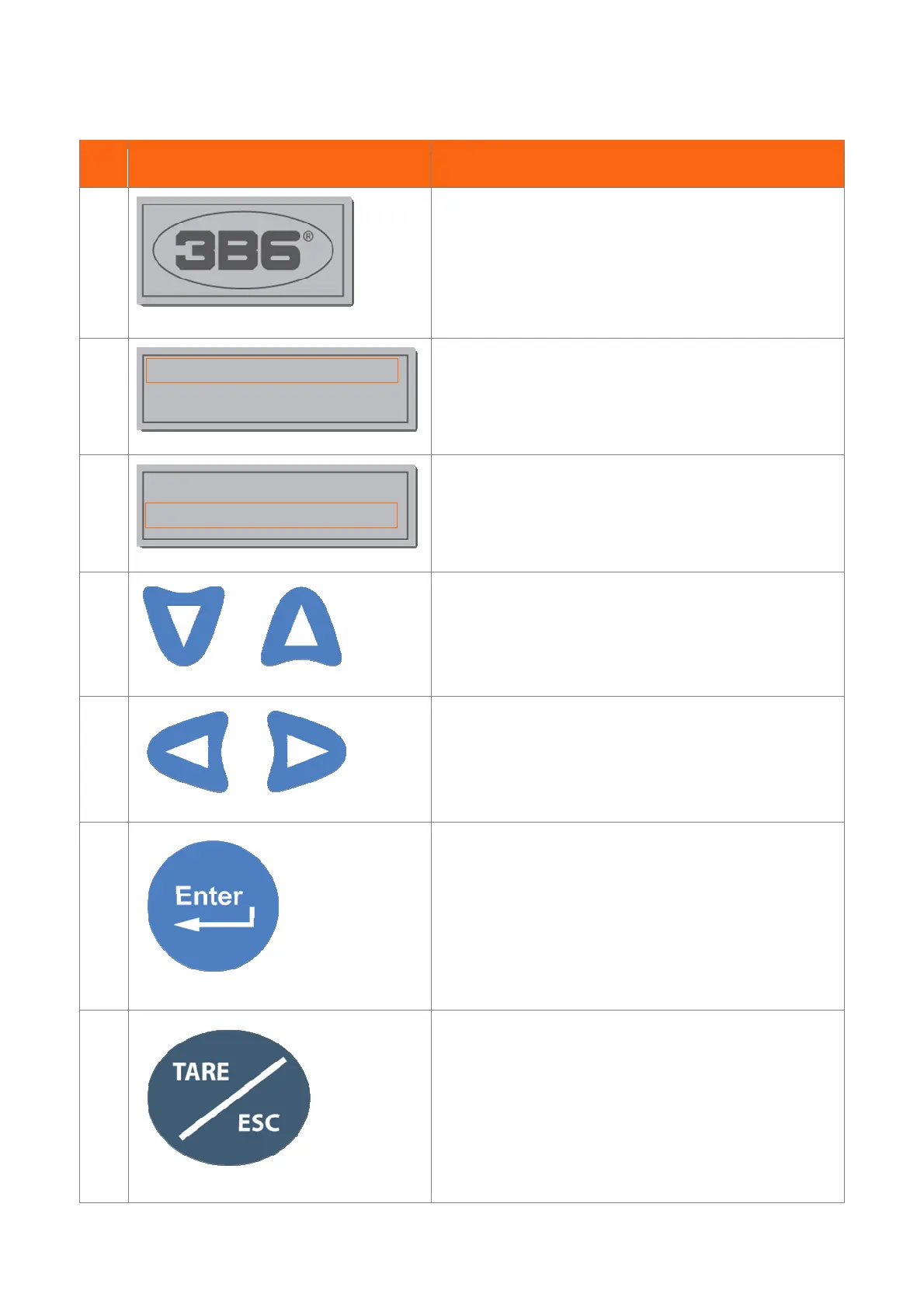
REF. ICON DESCRIPTION
1
3B6 S.p.a. logo
2
First Line: Version Software Indication
3
Second Line: Machine Name Indication
4
Scroll Up / Down inside the menu
5
Scroll Left / Right inside the menu
6
Confirm an action (operating mode, procedure, limit)
7
Esc. Turn back inside the menu
v. 0
Machine Name
v. 0
Machine Name


 To Next Page