110 CHAPTER 7: AGGREGATING PORTS
Modifying Link
Aggregation
The Link Aggregation Modify Page optimizes port usage by linking a
group of ports together to form a single LAG. Aggregating ports
multiplies the bandwidth between the devices, increases port flexibility,
and provides link redundancy.
Monitor users have no access to this page.
To modify Link Aggregation:
1 Click Port > Link Aggregation > Modify. The Link Aggregation Modify
Page opens:
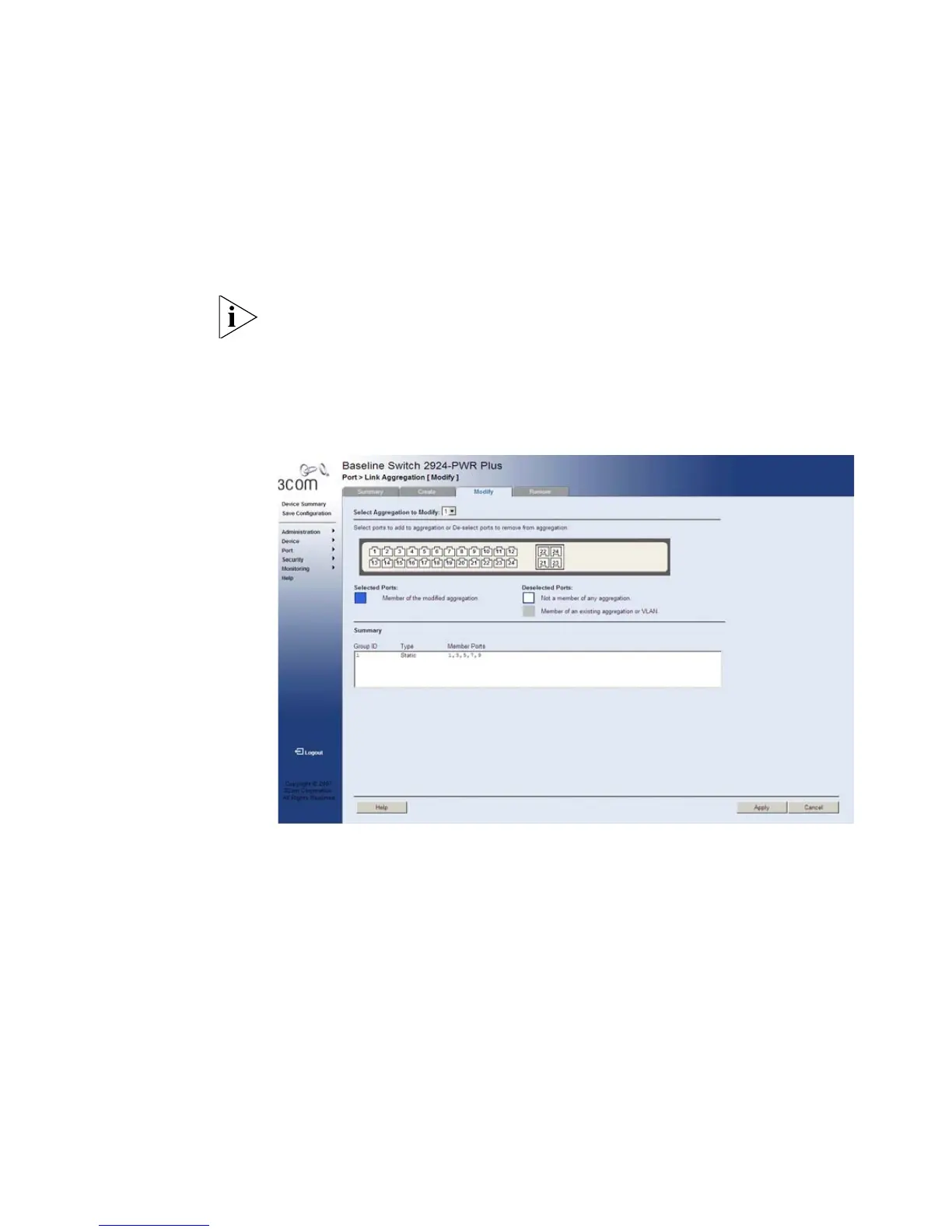
Figure 49 Link Aggregation Modify Page
The Link Aggregation Modify Page includes the following fields:
■ Select Aggregation to Modify — Selects the Link Aggregation
Group ID to modify.
■ Select ports to add to aggregation or De-select ports to remove
from aggregation — Allows the network manager to select ports to
be added or removed from a current aggregation. The ports are
color-coded as follows:
Selected ports
■ Blue — Displays a member of the modified aggregation.










 To Next Page