32 CHAPTER 2: USING THE 3COM WEB INTERFACE
Accessing the 3Com
Web Interface
This section contains information on starting the 3Com Web interface.
To access the 3Com user interface:
1 Open an Internet browser.
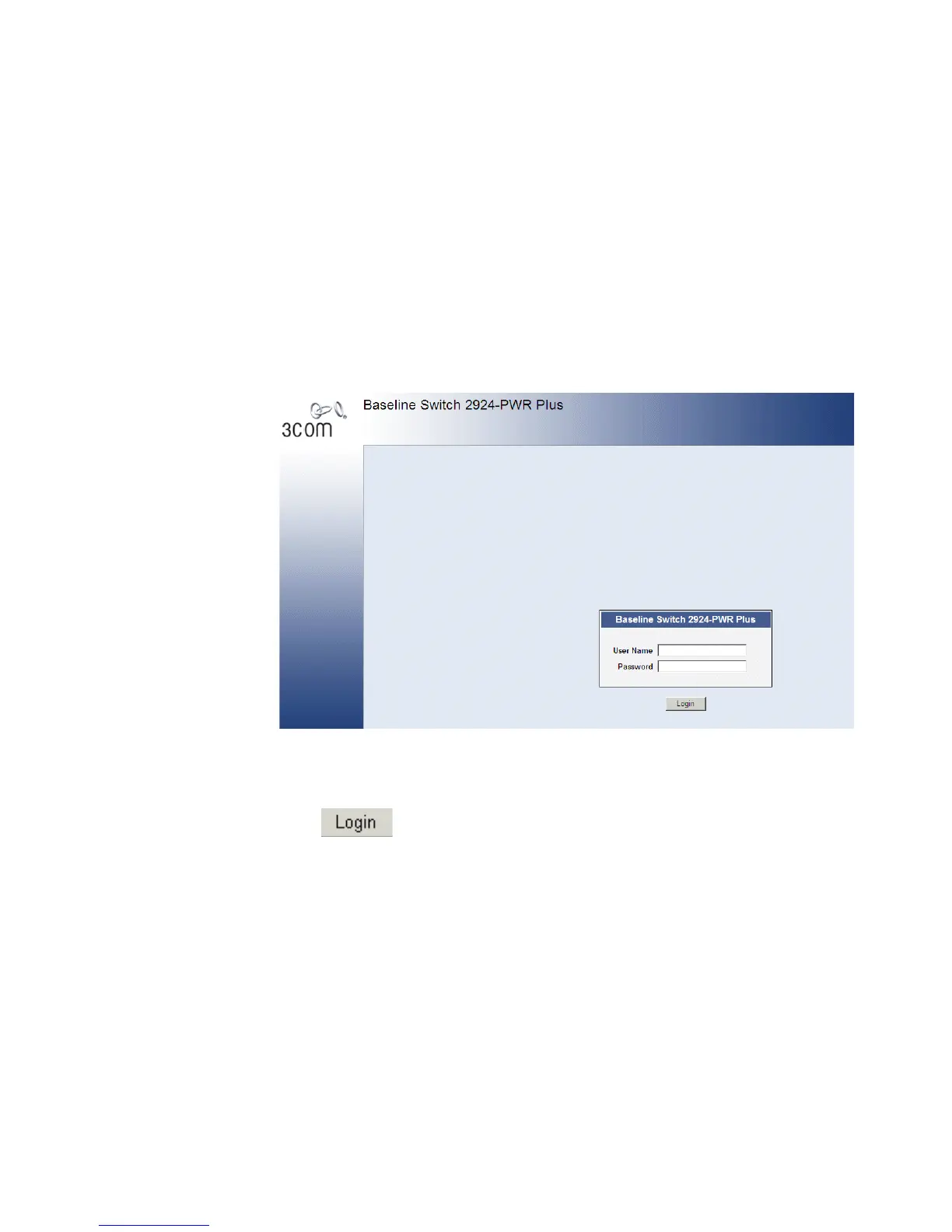
2 Enter the device IP address in the address bar and press Enter. The Enter
Network Password Page opens:
Figure 6 Enter Network Password Page
3 Enter your user name and password. The device default factory settings is
configured with a User Name that is admin and a password that is blank.
Passwords are case sensitive.
4 Click . The 3Com Web Interface Home Page opens:










 To Next Page