150 CHAPTER 11: CONFIGURING SPANNING TREE
Defining Spanning
Tree
Network administrators can assign STP settings to specific interfaces
using the
Spanning Tree Setup Page.
The monitor user has no access to this page.
To configure Spanning Tree Setup:
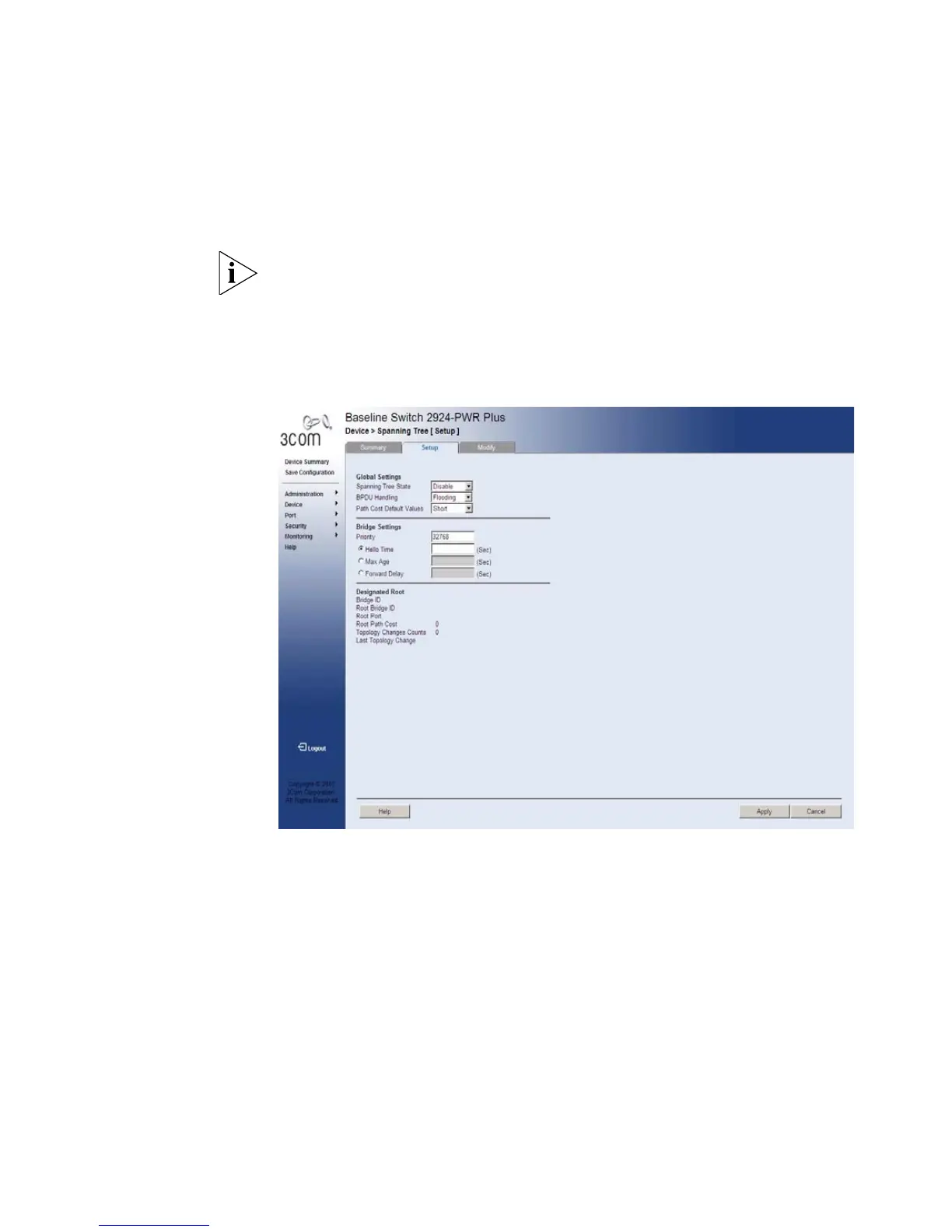
1 Click Device > Spanning Tree > Setup. The Spanning Tree Setup Page
opens:
Figure 71 Spanning Tree Setup Page
The Spanning Tree Setup Page contains the following fields:
Global Settings
■ Spanning Tree State — Defines whether STP is enabled on the
device. The possible field values are:
■ Disable — Disables STP and RSTP on the device.
■ Classic — Enables STP on the device.
■ RSTP — Enables RSTP on the device.










 To Next Page