93
Configuring System
Time
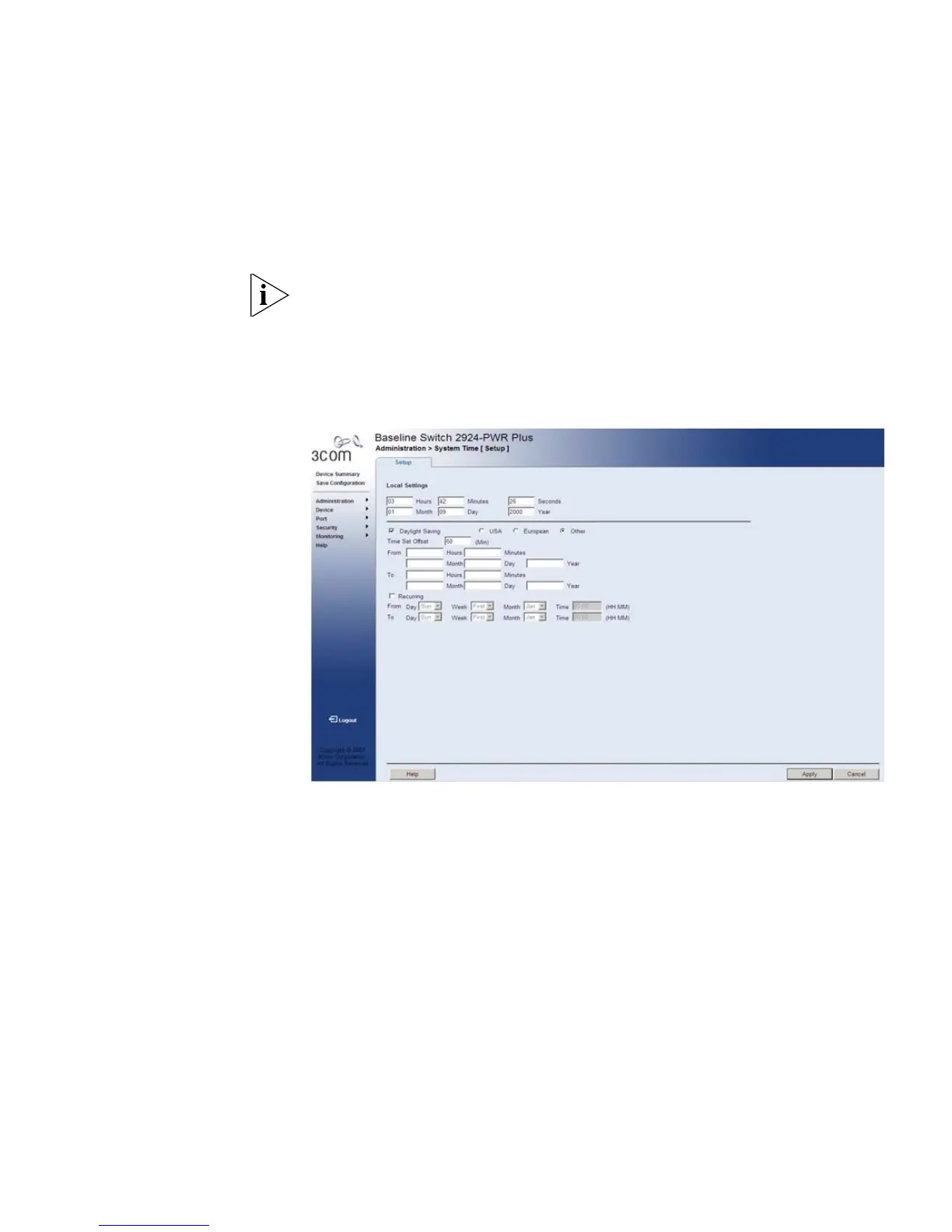
The System Time Setup Page contains fields for defining system time
parameters for the local hardware clock. Daylight Savings Time can be
enabled on the device.
Monitor users have limited permissions on this page.
To configure the System Time:
1 Click Administration > System Time > Setup. The System Time Setup
Page opens:
Figure 41 System Time Setup Page
The System Time Setup Page contains the following fields:
Local Settings
■ Hours — Sets the hour. The field range is 0-23.
■ Minutes — Sets the minutes. The field range is 0-59.
■ Seconds — Sets the seconds. The field range is 0-59.
■ Month — Sets the month. The field range is 1-12.
■ Day — Sets the day. The field range is 1-31.
■ Year — Sets the year. The field range is 2000-2037.










 To Next Page